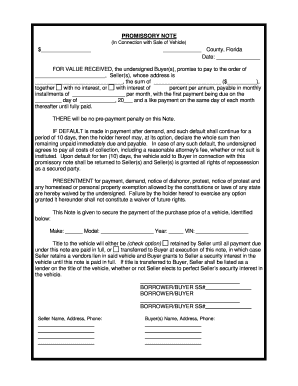
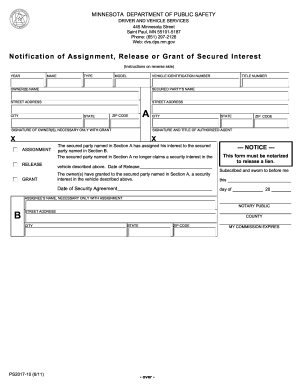
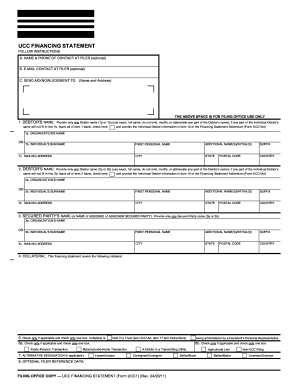
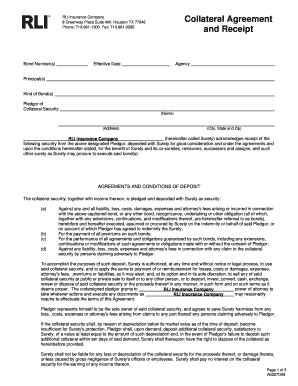
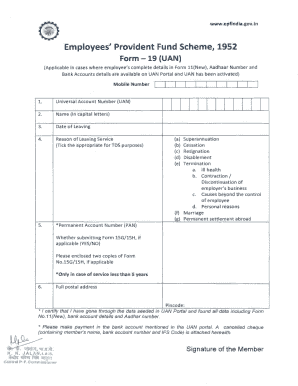
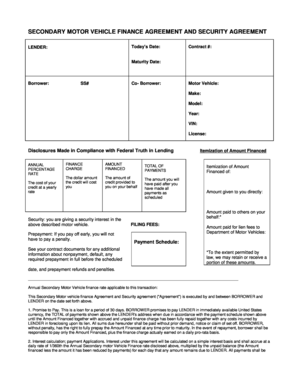
Security Agreement For Guaranty (Small Business) Templates - Page 6
Get eSignatures done in a snap

Prepare, sign, send, and manage documents from a single cloud-based solution.

What are Security Agreement For Guaranty (Small Business) Templates?

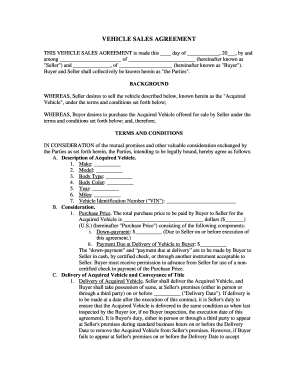
Security Agreement For Guaranty (Small Business) Templates are legal documents that outline the terms and conditions of a guarantee provided by a party to secure a debt or obligation. In small business settings, these templates are essential for ensuring that financial transactions are protected and legally binding.

What are the types of Security Agreement For Guaranty (Small Business) Templates?

There are several types of Security Agreement For Guaranty (Small Business) Templates available to suit different needs and situations. Some common types include:

General Guaranty Agreement Template
Individual Guaranty Agreement Template
Corporate Guaranty Agreement Template

How to complete Security Agreement For Guaranty (Small Business) Templates

Completing Security Agreement For Guaranty (Small Business) Templates is a straightforward process that can be done efficiently with the right tools and guidance. Here are the steps to follow:

01
Gather all necessary information and details related to the guarantee.
02
Fill in the template with accurate and complete information.
03
Review the completed agreement carefully to ensure accuracy and legality.
04
Sign and date the document to make it legally binding.

pdfFiller empowers users to create, edit, and share documents online. Offering unlimited fillable templates and powerful editing tools, pdfFiller is the only PDF editor users need to get their documents done.

Video Tutorial How to Fill Out Security Agreement For Guaranty (Small Business) Templates

Thousands of positive reviews can’t be wrong

Read more or give pdfFiller a try to experience the benefits for yourself
5.0
PDF Filler Review From forms, to contracts and or agreements I constantly have t...
PDF Filler Review From forms, to contracts and or agreements I constantly have to fill out documents and then sign them. Your software facilitates these for me in addition to protecting them in a pdf format. I enjoy using your software portal and it solves 99% of my problems. The only issue that comes up from time to time is that when certain large vendors send me a form to fill out and I return it to them they do not recognize it. They want me to use Adobe instead, which I do not care for. I wish there was a way to save the finished document as if it were compatible with Adobe.
Harold B.
4.0
Very usable It was easy to get started and the options were not too hard to loca...
Very usable It was easy to get started and the options were not too hard to locate erasing is only left and right, the replace text field is not easy to use and it could be easier to just email a copy of a doc
Bo G.
5.0
Easy to use & Quick My business is all about paperwork.
Easy to use & Quick My business is all about paperwork. Everything is time sensitive and I could not get things done without PDFfiller. I use it daily. The ease of use is so important to me. I don't have time to learn difficult programs. Easy to upload docs from anywhere, rearrange pages, make corrections, save as PDF and save or email. You can name your files and go back to them when needed. The dashboard is easy to navigate. I have used this software for years and they are always improving and adding new features. I have had trouble uploading an occasional document but customer service fixed the issue each time. Sometimes my document is too large which is frustrating, they have a size limit. Also, a document with signatures from another software company (e-sign) sometimes don't come thru.
Maureen C.
5.0
This product is fantastic!
This product is fantastic! It is an easier way to scan in documents that need information changed often. We have made them templates. It allows us to change already printed documents and keep the professional look. It is an easier way to share templates with others on the team. The ease of use and the price. The software is almost intuitive, so that almost anyone can use it without spending a lot of time. It has all the functions that get the job done. The printing of documents requires having adobe for us. We have found that printing straight from the website, often does not print in full size. We have to save as PDF and then print. You can make it work, but it takes longer.
Dena H.

Questions & answers

A statute of frauds within UCC Article 9 requires the security agreement be in writing. An exception to this requirement is when a security interest is pledged.
The security agreement must: be signed (or authenticated) by the debtor and the owner of the property, contain a description of the collateral and. make it clear that a security interest is intended.
Guaranty and Security Agreement means the Guaranty and Security Agreement executed by the Credit Parties in substantially the form of Exhibit E-2 pursuant to which the Credit Parties (a) unconditionally guaranty on a joint and several basis, payment of the Indebtedness, and (b) grant Liens and a security interest on
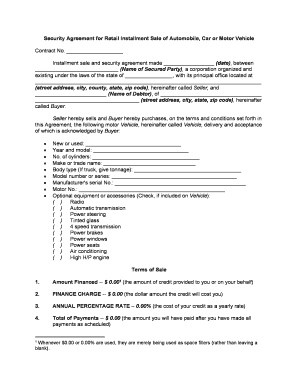
A “SECURITY AGREEMENT” is an agreement that. creates or provides for an interest in personal property. that secures payment or performance of an obligation.
A statute of frauds within UCC Article 9 requires the security agreement be in writing. An exception to this requirement is when a security interest is pledged.
Creating a security agreement Some key provisions in a security agreement include: Describing the collateral as accurately and as detailed as possible, so both the borrower and the lender agree upon the secured property. How to determine whether and when the borrower is in default under the loan.