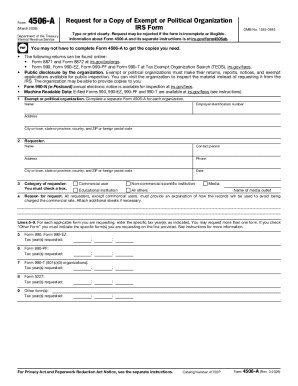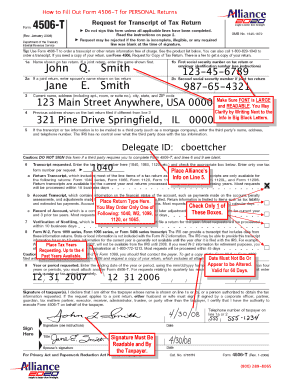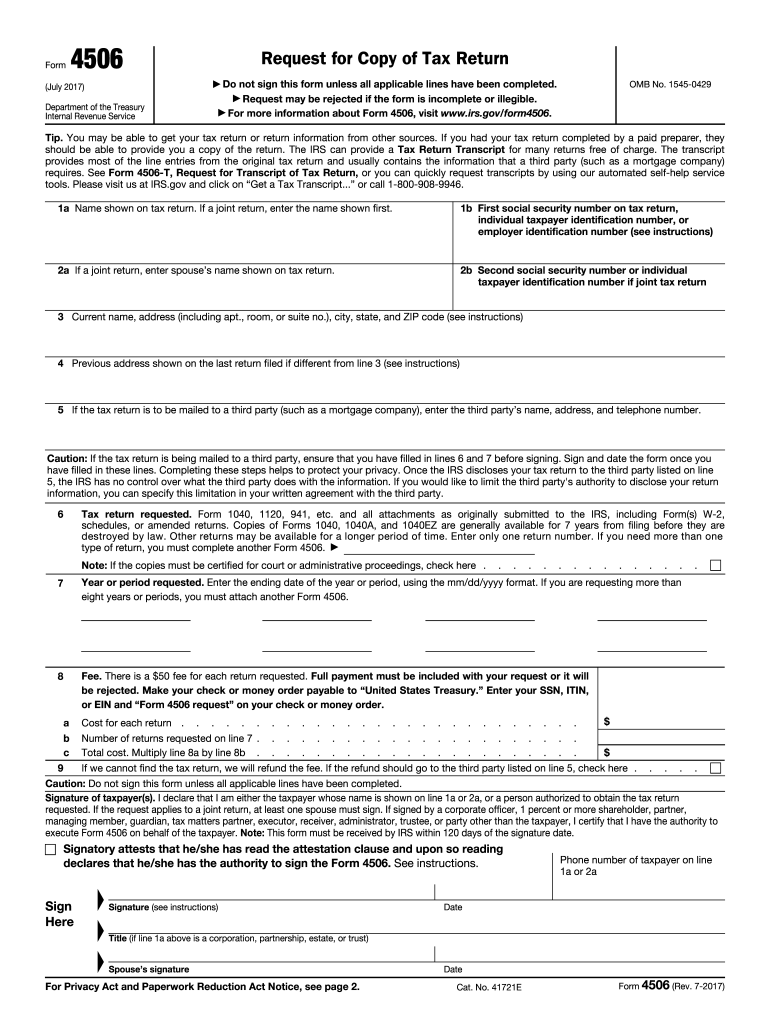
Form preview

IRS 4506 2017 free printable template


Get Form
pdfFiller is not affiliated with IRS
Screenshot
Screenshot
Screenshot

Get, Create, Make, and Sign IRS 4506

Edit your IRS 4506 online
Type text, complete fillable fields, insert images, highlight or blackout data for discretion, add comments, and more.
Screenshot
Add your legally-binding signature
Draw or type your signature, upload a signature image, or capture it with your digital camera.
Screenshot
Share your form instantly
Email, fax, or share your IRS 4506 via URL. You can also download, print, or export forms to your preferred cloud storage service.
Screenshot

Instructions and Help about IRS 4506

How to edit IRS 4506

Editing the IRS 4506 form involves accurately updating the required information, such as name, address, or tax year. Ensure that all changes are made clearly and legibly. You can utilize editing tools like pdfFiller for structured revisions. After making edits, it is crucial to review the entire document for completeness before submission.

How to fill out IRS 4506

Filling out the IRS 4506 form requires careful completion of each section, including taxpayer identification, address, and the relevant tax years for which you require tax return information. Follow these steps to ensure accuracy:
01
Read the instructions provided on the form carefully.
02
Enter your full name and Social Security Number (SSN) or Employer Identification Number (EIN) in the designated blocks.
03
List your address and ensure it matches IRS records.
04
Clearly specify the years for which you need the tax information.
05
Sign and date the form at the designated area.
Common errors include mismatching names or SSNs and leaving required fields blank. Always double-check entries to avoid processing delays.

About IRS 4 previous version

What is IRS 4506?

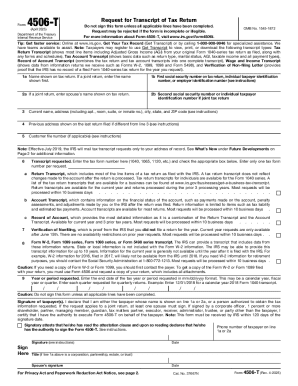
IRS 4506, officially titled the "Request for Copy of Tax Return," allows taxpayers to request copies of their previously filed tax returns from the IRS. This form can be essential for various financial decisions such as applying for loans or resolving tax issues.

Who needs the form?

Any individual or business that needs to access their prior tax returns may need to complete IRS 4506. Common users include taxpayers who require proof of income, accountants handling tax matters, and lenders assessing a borrower's financial history.

Components of the form

The IRS 4506 comprises several key sections. It includes personal information fields, signature lines, and specific areas where you indicate which tax returns you need. Each section must be filled out accurately to ensure the IRS can process your request efficiently.

Form vs. Form

There are several related forms such as IRS Form 4506-T, which allows for a tax transcript request rather than a full copy. Understanding the difference is crucial; 4506 provides complete returns, while 4506-T provides summary information.

How many copies of the form should I complete?

Complete one IRS 4506 form for each tax return you wish to request. If you need copies of returns for multiple tax years, ensure you specify each year on the form clearly. There is no need to submit multiple forms if they pertain to the same tax year.

What information do you need when you file the form?

When filing IRS 4506, prepare to provide your full name, SSN or EIN, the years for which you're requesting tax returns, and your current address. Additionally, ensure you have the necessary documentation if you're submitting this on behalf of another individual or entity.

Where do I send the form?

The mailing address for IRS 4506 varies based on the state where you live. It is critical to check the IRS's official website to obtain the correct address that corresponds to your location to avoid processing delays.

What is the purpose of this form?

The primary purpose of IRS 4506 is to enable individuals and businesses to obtain copies of their tax returns and associated documents from the IRS. This is particularly useful for verifying income and tax data when applying for mortgages, student loans, or other financial transactions.

When am I exempt from filling out this form?

You may not need to fill out IRS 4506 if you are able to access your tax returns through the IRS online portal or if you are requesting tax transcripts instead, as they can often provide the necessary information without needing a formal request form.

Due date

There is no specific due date for filing the IRS 4506, as it is a request form that can be submitted at any time. However, if you require the information by a certain date (for instance, for a loan application), submit it well in advance to allow for processing time.

What payments and purchases are reported?

IRS 4506 is primarily focused on obtaining copies of tax returns rather than detailing specific payments or purchases. However, the tax returns obtained may include information about various payments made, such as wages, dividend payments, and gains from sales, depending on the taxpayer's financial activities during the tax years requested.

What are the penalties for not issuing the form?

Failure to issue IRS 4506 when required can lead to various penalties, mainly around the inability to prove income or fulfill requirements for loans or grants. It could also complicate tax matters with the IRS, potentially resulting in withheld refunds or additional scrutiny.

Is the form accompanied by other forms?

IRS 4506 can be submitted alone or in conjunction with other forms depending on the specific situation, especially if you are requesting documentation as part of a broader financial application. Always review the requirements of associated documents to ensure completeness.

FAQ about IRS 4506

If you find discrepancies in your submitted copy of tax return, you should file an amended return using Form 1040-X. It's essential to clearly indicate the changes made and provide any necessary documentation to support your amendments. Keep a copy of your amended return for your records and track its processing status through your tax account.

You can track the status of your copy of tax return through the IRS 'Where's My Refund?' tool if you expect a refund, or by calling the IRS customer service line. If you filed electronically, ensure that you have your Social Security number and other relevant information on hand for verification purposes.

When filing electronically, ensure the software you use is IRS-approved and encrypted to protect your data. Keep your computer's operating system and antivirus software updated. The IRS also suggests using a secure internet connection, such as your home Wi-Fi, rather than public networks to safeguard your copy of tax return information.

If your copy of tax return is rejected by the IRS, you'll receive a rejection code that indicates the reason for the denial. Common issues include incorrect Social Security numbers or formatting errors. Correct the identified errors in your return and resubmit it promptly to avoid further delays and ensure compliance.

It's generally recommended to retain your copy of tax return for at least three years from the filing date. However, if you have any unreported income or if you filed a claim for a loss, you may need to keep your records for longer. Always keep documents that support your claims for at least the period ambiguities may arise.

See what our users say

Read user feedback and try pdfFiller to explore all its benefits for yourself
So far, I'm just using the service to fill out miscellaneous forms for my Veterans Administration file and consolidating outlines for submittal as well. So far, so good with very little issues.
Michael M
It is helpful
Ume K
NICE
Raul M
EXCELLENT
RAHUL K
good
Anonymous Customer
Exceptional Service Customer service is just exceptional. They listen and assist in their best way possible.
Marcel Occon
See what our users say
Trust Seal
Trust Seal
Trust Seal
Trust Seal
Trust Seal
Trust Seal
Trust Seal
Trust Seal
Rate free form
4.3
satisfied
233 votes

How to Fill Out Small Business Tax Forms Online with pdfFiller

Struggling with your Schedule C or not sure how to file business taxes as a sole proprietor, LLC, or self-employed professional? This step-by-step pdfFiller tutorial walks you through completing IRS Schedule C quickly and accurately — no printing, no scanning, no stress. Whether you're handling small business tax deductions, tracking self-employed taxes, or preparing your full business tax return, pdfFiller makes it simple right in your browser.

Related Forms

If you believe that this page should be taken down, please follow our DMCA take down process here .
This form may include fields for payment information. Data entered in these fields is not covered by PCI DSS compliance.