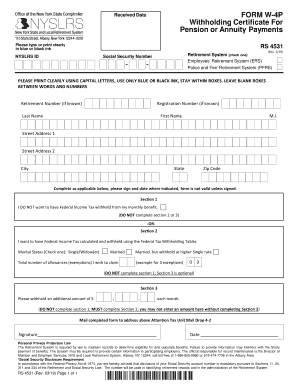
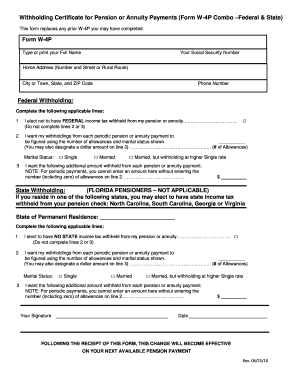
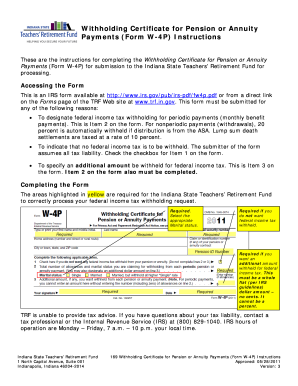
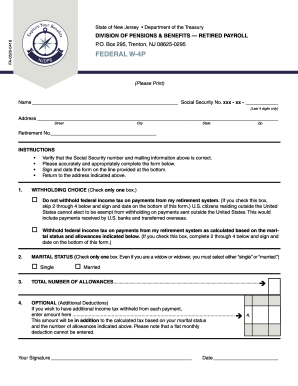
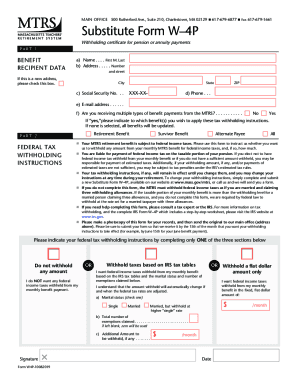
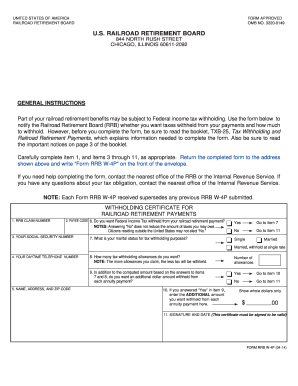
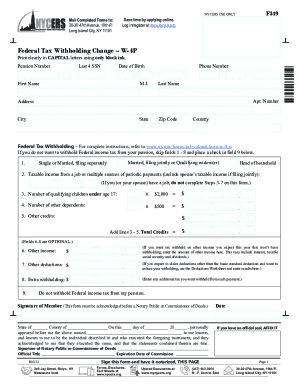
IRS W-4P 2021 free printable template



Get, Create, Make, and Sign IRS W-4P



Instructions and Help about IRS W-4P
How to edit IRS W-4P
How to fill out IRS W-4P
About IRS W-4P previous version
What is IRS W-4P?
Who needs the form?
Components of the form
What information do you need when you file the form?
Where do I send the form?
What is the purpose of this form?
When am I exempt from filling out this form?
What are the penalties for not issuing the form?
Is the form accompanied by other forms?
FAQ about IRS W-4P
What should I do if I realize there's an error on my submitted IRS W-4P?
If you notice an error after submitting your IRS W-4P, you can correct it by submitting a new W-4P form with the correct information. Ensure you mark it as an amendment if necessary, and check how your submitted form may affect your withholding or payments.
How can I verify if my IRS W-4P has been received and processed?
To verify the receipt and processing of your IRS W-4P, you can contact the IRS directly or check online through the IRS website, which may provide status updates for e-filed forms. Keep in mind that processing times can vary based on the method of submission.
Are there any specific service fees if I choose to e-file my IRS W-4P?
Yes, some online e-filing services may charge a fee for submitting your IRS W-4P electronically, so it’s advisable to compare platforms. Always check the costs associated with e-filing to ensure you're aware of any extra charges.
What steps should I take if I receive a notice regarding my IRS W-4P?
If you receive a notice from the IRS about your W-4P, carefully read the document and identify any actions required. Prepare the necessary documentation to address the notice and, if needed, consult a tax professional for guidance on your specific situation.
See what our users say








How to Fill Out Small Business Tax Forms Online with pdfFiller
Struggling with your Schedule C or not sure how to file business taxes as a sole proprietor, LLC, or self-employed professional? This step-by-step pdfFiller tutorial walks you through completing IRS Schedule C quickly and accurately — no printing, no scanning, no stress. Whether you're handling small business tax deductions, tracking self-employed taxes, or preparing your full business tax return, pdfFiller makes it simple right in your browser.