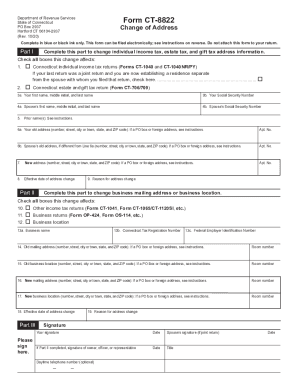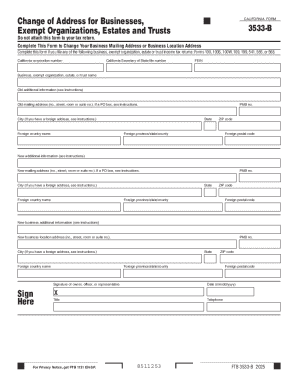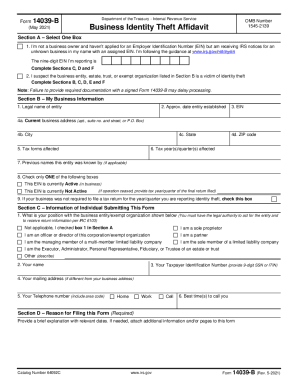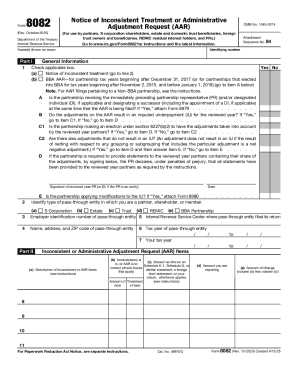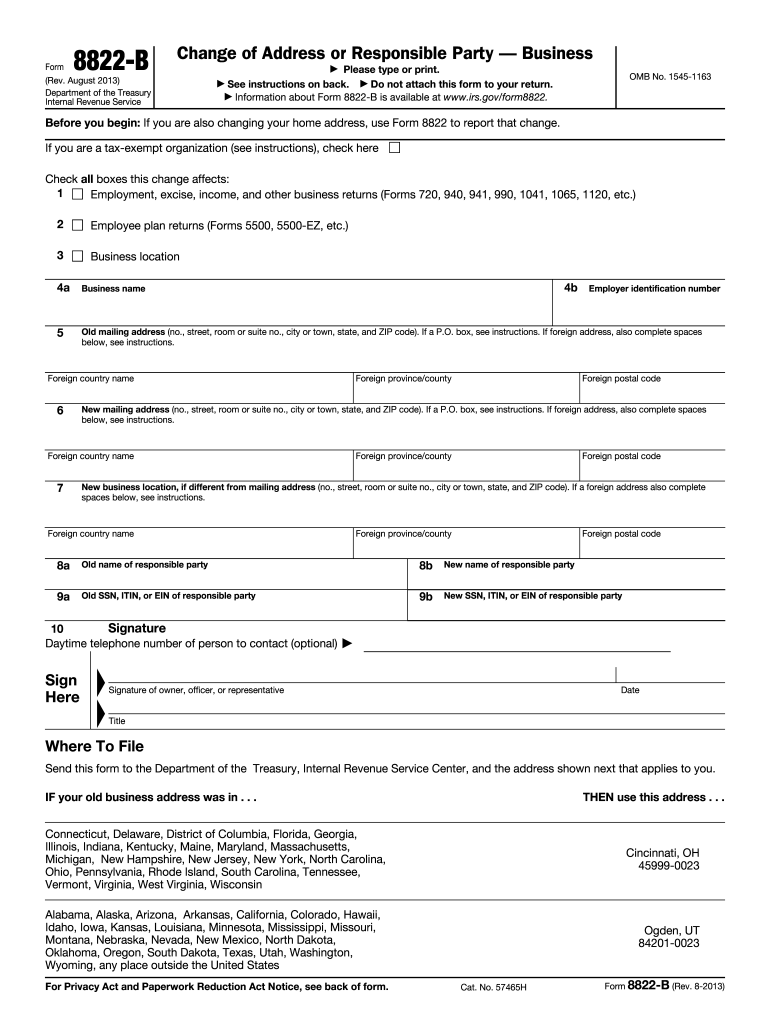
Form preview

IRS 8822-B 2013 free printable template


Get Form
pdfFiller is not affiliated with IRS
Screenshot
Screenshot
Screenshot

Get, Create, Make, and Sign IRS 8822-B

Edit your IRS 8822-B online
Type text, complete fillable fields, insert images, highlight or blackout data for discretion, add comments, and more.
Screenshot
Add your legally-binding signature
Draw or type your signature, upload a signature image, or capture it with your digital camera.
Screenshot
Share your form instantly
Email, fax, or share your IRS 8822-B via URL. You can also download, print, or export forms to your preferred cloud storage service.
Screenshot

Instructions and Help about IRS 8822-B

How to edit IRS 8822-B

To edit the IRS 8822-B Tax Form, utilize tools that allow you to fill, sign, and store forms efficiently. pdfFiller offers a straightforward platform to make these changes easily. Simply upload the form, make necessary edits, and save your changes securely.

How to fill out IRS 8822-B

When filling out the IRS 8822-B Tax Form, follow these steps:
01
Start with your name, current address, and the name of your business if applicable.
02
Provide the previous address if you are changing your address.
03
Indicate the reason for the change as per the instructions on the form.
04
Sign and date the form to validate your request.
Completing the form accurately will ensure your updates are processed quickly by the IRS.

About IRS 8822-B 2013 previous version

What is IRS 8822-B?

IRS 8822-B is the Change of Address — Business form used for notifying the IRS about a change of address for businesses. It ensures that businesses continue to receive important correspondence from the IRS at their new address.

Who needs the form?

Businesses with a change in address must file IRS 8822-B. This includes sole proprietorships, partnerships, corporations, and organizations. If your business operates under a different name, that should also be reflected on the form.

Components of the form

IRS 8822-B comprises various sections including your name, business name (if any), new address, previous address, reason for address change, and your signature. Filling out each part accurately is crucial for processing the change efficiently.

What information do you need when you file the form?

When filing the IRS 8822-B, ensure you have the following information ready:
01
Your current business name and address.
02
Your previous business address.
03
A valid reason for the change, such as relocation or changing the business structure.
04
Your signature and date of submission.
This information is essential for a successful update to your business address with the IRS.

Where do I send the form?

The completed IRS 8822-B should be sent to the address listed in the instructions on the form. Typically, this is the IRS address for receiving business forms, which may vary based on your location. Check the latest IRS guidelines to determine the correct mailing address.

What is the purpose of this form?

The purpose of IRS 8822-B is to inform the IRS of a change in your business address. Without submitting this form, you may miss critical tax documents and notices, which can lead to compliance issues or delays in communication with the IRS.

When am I exempt from filling out this form?

You are exempt from filing IRS 8822-B if your business address changes but does not affect your filing status. For example, if you operate a business from home and are simply relocating within the same zip code, you might not need to submit this form.

What are the penalties for not issuing the form?

Failing to submit IRS 8822-B when there is a change in business address can result in significant penalties. Businesses may miss IRS correspondence, leading to late payments, fines, or audits due to the lack of awareness of tax obligations or required filings.

Is the form accompanied by other forms?

IRS 8822-B does not need to be submitted with other forms; however, if your address change affects other filings, you may need to update those separately. Make sure to review any additional requirements that may apply based on your specific situation.

FAQ about IRS 8822-B

If you realize that you made a mistake on your form 8822-b rev august after submission, you should file an amended form using the same process. Clearly mark the amended form to indicate the changes you've made, and ensure that you properly address the mistake to avoid any potential issues with the IRS.

To check the status of your form 8822-b rev august, visit the IRS website or contact their customer service. Have your submission details handy, such as the date submitted and your identification information. This will help in quickly locating your request.

Nonresidents filing form 8822-b rev august must ensure they meet specific IRS requirements. If you're a foreign payee or filing on behalf of someone else, consult IRS guidelines or seek professional advice to navigate complexities pertaining to residency and documentation.

If your e-filed form 8822-b rev august gets rejected, carefully review the rejection codes provided. Common reasons include mismatches in personal information or failure to meet technical requirements. Rectify these issues and resubmit your form to avoid further delays.

See what our users say

Read user feedback and try pdfFiller to explore all its benefits for yourself
PDFfiller has been awesome!! best way to edit anything!!
Belynda A
very easy to use. glad i subscribed. now I don't have to buy the paper IRS forms to print!
Shibu M. J
See what our users say
Trust Seal
Trust Seal
Trust Seal
Trust Seal
Trust Seal
Trust Seal
Trust Seal
Trust Seal
Rate free form
4.4
satisfied
281 votes

How to Fill Out Small Business Tax Forms Online with pdfFiller

Struggling with your Schedule C or not sure how to file business taxes as a sole proprietor, LLC, or self-employed professional? This step-by-step pdfFiller tutorial walks you through completing IRS Schedule C quickly and accurately — no printing, no scanning, no stress. Whether you're handling small business tax deductions, tracking self-employed taxes, or preparing your full business tax return, pdfFiller makes it simple right in your browser.

If you believe that this page should be taken down, please follow our DMCA take down process here .
This form may include fields for payment information. Data entered in these fields is not covered by PCI DSS compliance.