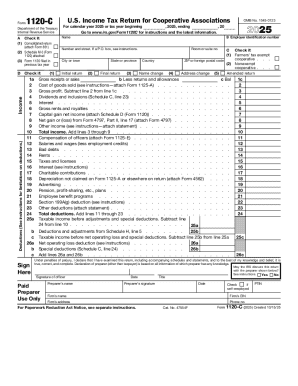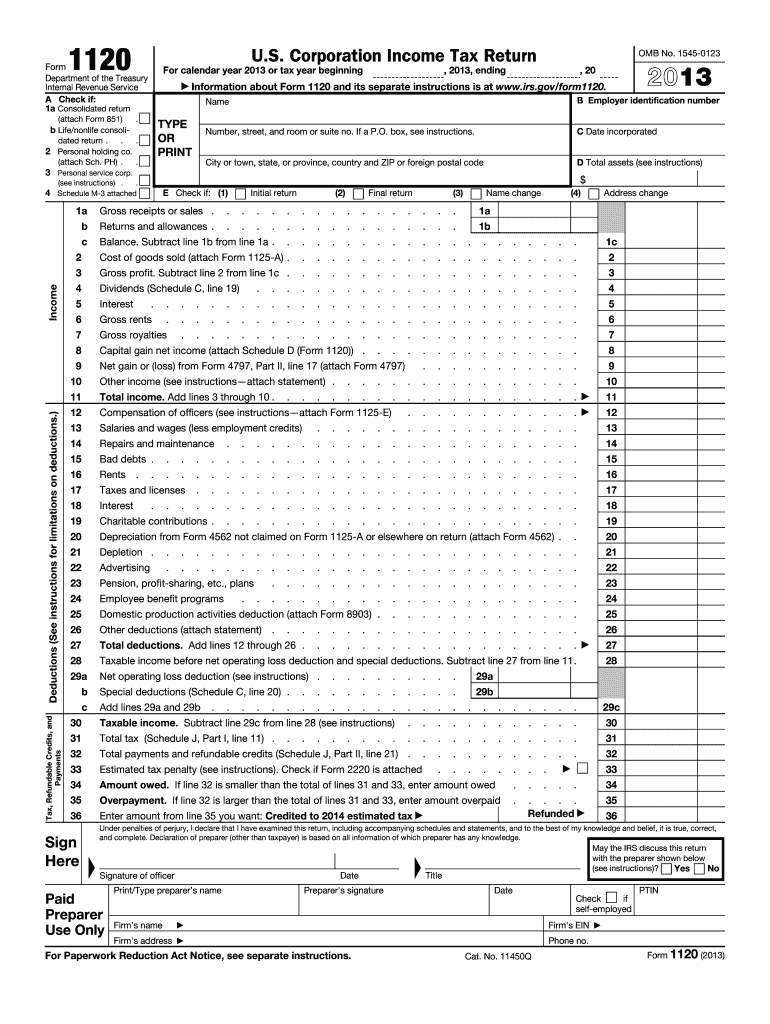
Form preview

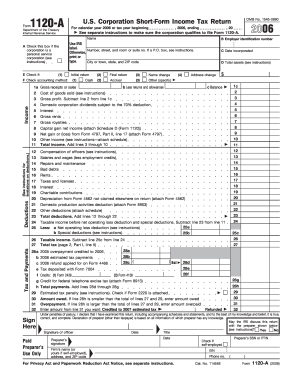
IRS 1120 2013 free printable template


Get Form
pdfFiller is not affiliated with IRS
Screenshot
Screenshot
Screenshot

Get, Create, Make, and Sign IRS 1120

Edit your IRS 1120 online
Type text, complete fillable fields, insert images, highlight or blackout data for discretion, add comments, and more.
Screenshot
Add your legally-binding signature
Draw or type your signature, upload a signature image, or capture it with your digital camera.
Screenshot
Share your form instantly
Email, fax, or share your IRS 1120 via URL. You can also download, print, or export forms to your preferred cloud storage service.
Screenshot

Instructions and Help about IRS 1120

How to edit IRS 1120

Editing IRS 1120, the corporate income tax form, requires careful attention to detail. Utilize pdfFiller to make necessary changes, as it provides intuitive editing tools that can help streamline the process. Ensure that all figures and information are current and reflect your company's financial position accurately.

How to fill out IRS 1120

Filling out IRS 1120 involves several steps to ensure compliance with U.S. tax regulations. Here is a step-by-step guide:
01
Collect your company's financial records, including income statements and balance sheets.
02
Start by entering your corporation's name and address at the top of the form.
03
Complete the income section, detailing gross receipts or sales.
04
Deduct any allowable expenses to arrive at your taxable income.
05
Fill out the tax and payments section to calculate total taxes owed.
Accuracy is crucial when completing the IRS 1120, as errors can lead to delays or penalties.

About IRS previous version

What is IRS 1120?

IRS 1120 is the U.S. Corporation Income Tax Return form required by the Internal Revenue Service for corporate entities. It serves as a way for corporations to report their income, gains, losses, deductions, and tax liability to the government. Accurate reporting is essential for compliance with tax laws.

Who needs the form?

All corporations, including C corporations and certain Limited Liability Companies (LLCs) that elect to be treated as corporations, must file IRS 1120. Nonprofit organizations and S corporations, however, have separate filing requirements and are not eligible to use this form. Understanding eligibility is crucial for proper compliance.

Components of the form

IRS 1120 includes several key components that need careful completion, such as the headings for income, deductions, and tax computation. In addition, it has schedules for additional details that may be required depending on the company's financial activities. Each component should be reviewed for accuracy to prevent mistakes that could result in legal issues or audits.

What information do you need when you file the form?

When preparing IRS 1120, gather necessary financial records, including income statements, records of expenses, and any prior year tax returns. Also, have information available about any deductions and credits for which the corporation may be eligible. Accurate documentation is crucial to support the figures reported on the form.

Where do I send the form?

The filing address for IRS 1120 varies depending on the location of the corporation and whether a payment is included. Most filers send their forms to the appropriate address listed on the IRS website or in the instructions accompanying the form. It is important to verify the correct filing address to ensure timely processing of the return.

What is the purpose of this form?

The primary purpose of IRS 1120 is to determine the amount of taxable income for corporations and calculate the taxes owed. Corporations are required to file this return annually, contributing to the federal revenue system. This form provides insights into the financial health of the company, as the IRS uses the collected data for analysis and policy-making.

When am I exempt from filling out this form?

Corporations may be exempt from filing IRS 1120 under specific circumstances, such as when they have no income or are filing a final return due to dissolution. Smaller entities, such as those classified as S corporations, use a different form (IRS 1120S) and are thus not required to file IRS 1120.

What are the penalties for not issuing the form?

Failure to file IRS 1120 on time can result in significant penalties, including late filing fees and interest on unpaid taxes. The IRS imposes a penalty for each month that the return is late, which can add up quickly. Therefore, it is essential for corporations to adhere to deadlines to avoid unnecessary costs.

Is the form accompanied by other forms?

IRS 1120 may need to be accompanied by various schedules and additional forms, depending on the specific circumstances of the corporation. Commonly included forms are IRS Schedule G (Information on Certain Persons Owning the Corporation's Voting Stock) and others that pertain to specific deductions or credits. Ensure all required attachments are included to prevent filing issues.

FAQ about IRS 1120

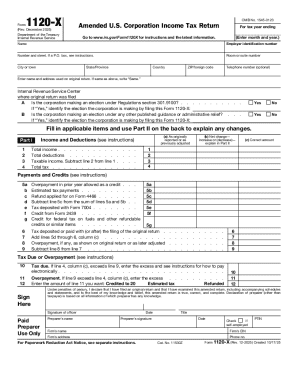
If you find an error after submitting your IRS 1120, you can file an amended return using Form 1120-X. It’s essential to explain the corrections in detail and submit it as soon as possible to mitigate any potential penalties.

To verify the status of your IRS 1120, you can contact the IRS directly to inquire about your submission. It's also helpful to keep track of your confirmation number received if you filed electronically.

When filing your IRS 1120, ensure that sensitive information is securely transmitted, especially if using e-filing. Utilizing reputable software that follows data encryption standards can help protect your information from unauthorized access.

Upon receiving an audit notice related to your IRS 1120, carefully read the notice for instructions and deadlines. Gather the relevant documents requested and consider consulting a tax professional for guidance on how to proceed.

Common mistakes include incorrect calculations, omission of required information, and failing to sign the form. Double-checking your data, comparing it against supporting documents, and utilizing IRS guidelines can help you minimize errors.

See what our users say

Read user feedback and try pdfFiller to explore all its benefits for yourself
I had issues getting signed up for the… I had issues getting signed up for the free trial, but the customer service handled everything to get me working today, which is fantastic customer service.
Bill M
easy to use.
David B
See what our users say
Trust Seal
Trust Seal
Trust Seal
Trust Seal
Trust Seal
Trust Seal
Trust Seal
Trust Seal
Rate free form
4.0
satisfied
42 votes

How to Fill Out Small Business Tax Forms Online with pdfFiller

Struggling with your Schedule C or not sure how to file business taxes as a sole proprietor, LLC, or self-employed professional? This step-by-step pdfFiller tutorial walks you through completing IRS Schedule C quickly and accurately — no printing, no scanning, no stress. Whether you're handling small business tax deductions, tracking self-employed taxes, or preparing your full business tax return, pdfFiller makes it simple right in your browser.

If you believe that this page should be taken down, please follow our DMCA take down process here .
This form may include fields for payment information. Data entered in these fields is not covered by PCI DSS compliance.