What is Medical Certificate Sample?
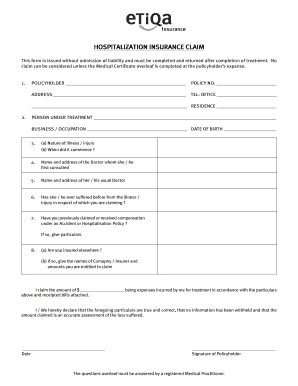
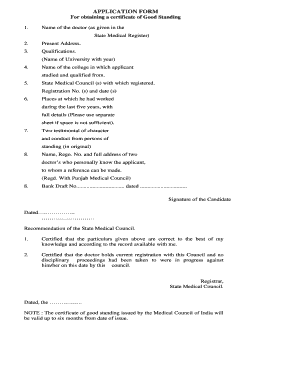
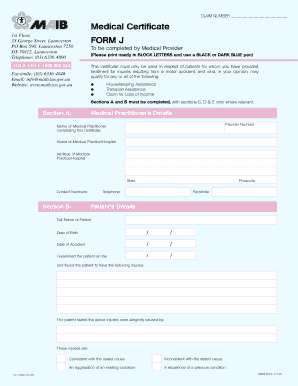
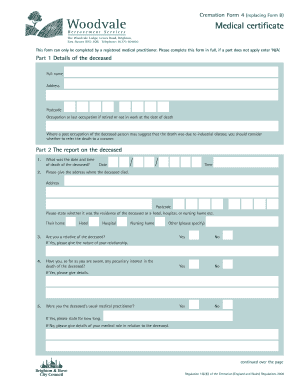
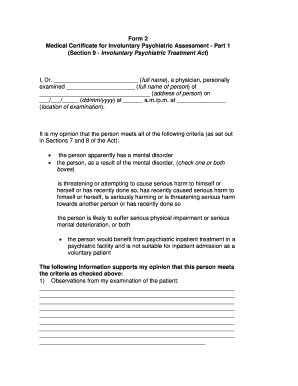
A medical certificate sample is a document that validates a person's medical condition, treatment, or fitness. It is issued by a healthcare professional or a certified medical practitioner. This document serves as evidence for various purposes such as applying for leave, submitting insurance claims, or providing proof of health status.
What are the types of Medical Certificate Sample?
There are several types of medical certificate samples available depending on the purpose and nature of the medical condition. Some common types include:
Sick leave certificate: This certificate is issued to employees who need to take time off work due to illness or medical treatments.
Fitness certificate: This type of certificate is issued to individuals who require certification of their physical fitness for activities such as sports, travel, or employment.
Medical fitness certificate: It is issued to individuals in order to determine their medical fitness for a particular job or activity.
Medical diagnosis certificate: This certificate confirms the diagnosis of a medical condition provided by a medical professional.
Medical leave certificate: It is issued to individuals who need to take leave for medical reasons and serves as proof of their condition.
Death certificate: This certificate is issued to document the cause and details of a person's death, usually issued by a medical examiner or physician.
How to complete Medical Certificate Sample
Completing a medical certificate sample is a straightforward process. Follow the steps below to complete the certificate:
01
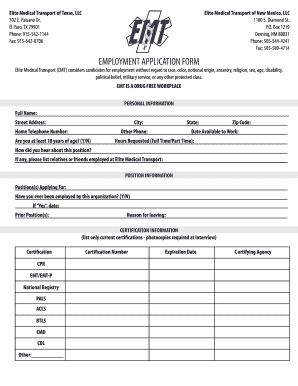
Begin by entering the patient's personal information, including their name, date of birth, address, and contact details.
02
Specify the medical professional or healthcare provider who issued the certificate. Include their name, contact information, and professional credentials.
03
Describe the patient's medical condition or reason for issuing the certificate in detail. Use clear and concise language to explain the diagnosis, treatment, or fitness status.
04
Provide any necessary supporting documents or test results that validate the medical condition or treatment mentioned in the certificate.
05
Include the date of issuance and validity period of the certificate.
06
If required, add any additional notes or instructions from the medical professional.
07
Ensure the certificate is signed and stamped by the issuing medical professional for authenticity.
pdfFiller empowers users to create, edit, and share documents online. Offering unlimited fillable templates and powerful editing tools, pdfFiller is the only PDF editor users need to get their documents done.