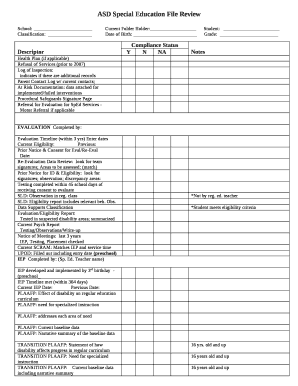
Free Shows And Events Word Templates

Get eSignatures done in a snap

Prepare, sign, send, and manage documents from a single cloud-based solution.

What are Shows And Events Templates?

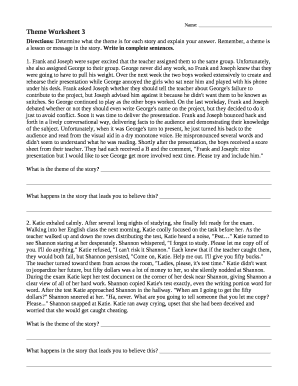
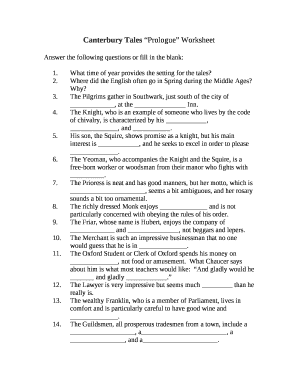
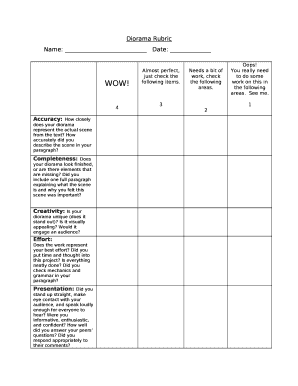
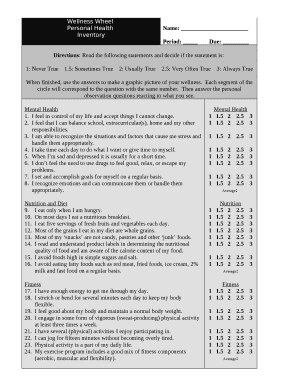
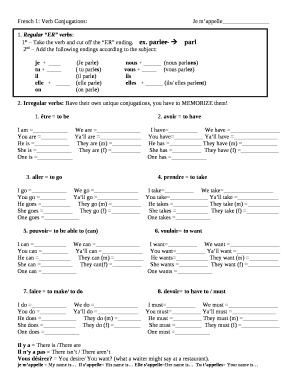
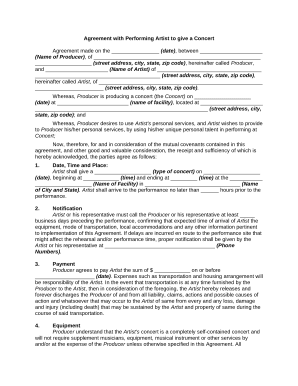
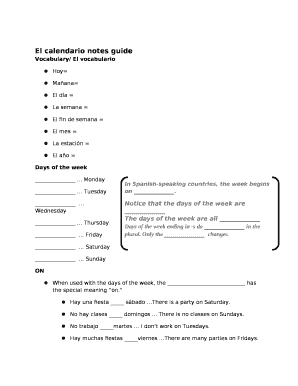
Shows and Events Templates are pre-designed formats that individuals or organizations can use to create posters, flyers, invitations, and other promotional materials for various events such as concerts, conferences, parties, and exhibitions.

What are the types of Shows And Events Templates?

There are several types of Shows and Events Templates available, including:

Concert posters
Conference flyers
Party invitations
Exhibition banners

How to complete Shows And Events Templates

Completing Shows and Events Templates is easy and quick. With pdfFiller, you can simply choose a template that matches your event and follow these steps:

01
Open the chosen template in the pdfFiller editor
02
Fill in the required details like event name, date, and venue
03
Customize the template with colors, images, and text to make it personalized
04
Save and share the completed template with your audience

pdfFiller empowers users to create, edit, and share documents online. Offering unlimited fillable templates and powerful editing tools, pdfFiller is the only PDF editor users need to get their documents done.

Video Tutorial How to Fill Out Shows And Events Templates

Thousands of positive reviews can’t be wrong

Read more or give pdfFiller a try to experience the benefits for yourself
5.0
It was easy to use and I was able to print without watermarks.
It was easy to use and I was able to print without watermarks. It also saves my work virtually and I can resume anytime. The additional features it had was really useful to share files and even notarize.
Jerome M
4.0
I'm new at using Pdf filler.
I'm new at using Pdf filler. I am interested in learning wjhat it can do for me on a personal basis and professional, simple office useage
caroline a
5.0
It is very easy to use and user friendly.
What do you like best? It is very easy to use and user friendly. It is also easy to add fields and fill them in. When I am creating a document, I can also easily share them with each of our employee accounts. I also like how I am able to remove an employees account from having access to the documents with a click of a button. What do you dislike? I wish our technicians were able to use the app without internet service. In some cases, we do not have access to service, and we are unable to fill out our paperwork. It would also be nice to be able to add more than 4 other people to the account without having to get a corporate account. Recommendations to others considering the product: It has all you could ever need all in one place. We have used the SignNow and faxing features, in addition to the typical use for pdfFiller. What problems are you solving with the product? What benefits have you realized? We are able to keep all of our paperwork in one place, and the technicians are able to access it on their phones. This has made it easier to make sure all technicians are getting the correct paperwork for every job, and with the different accounts, we are able to hold the technicians accountable.
Randel Lamirande