Free Learning Plan Word Templates




What are Learning Plan Templates?
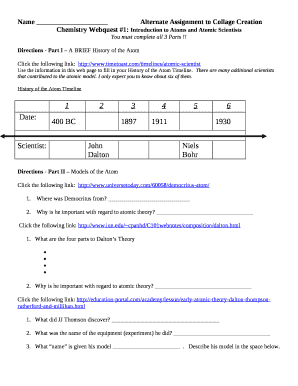
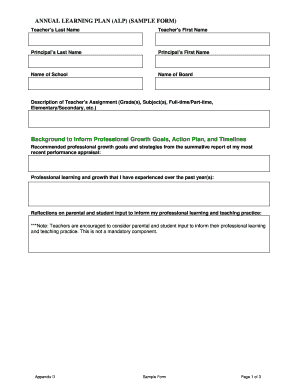
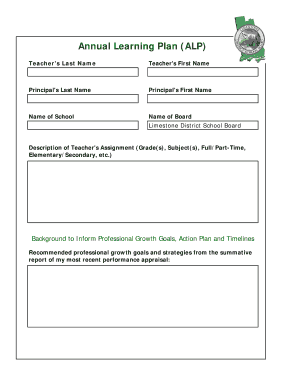
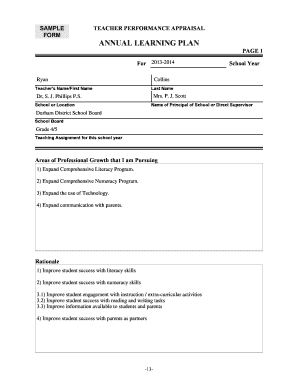
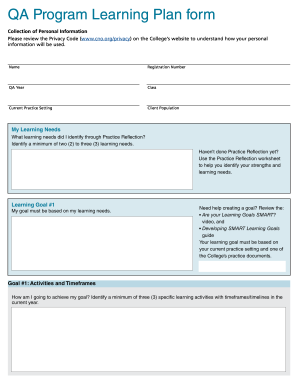
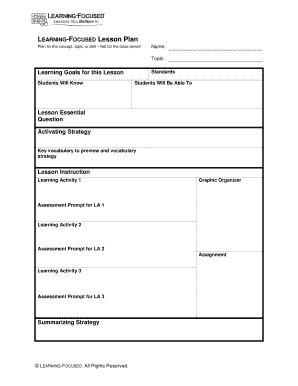
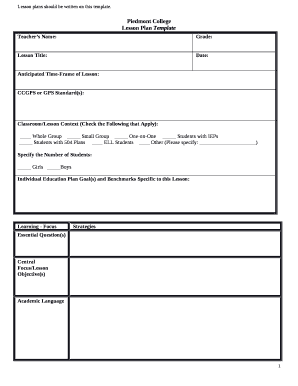
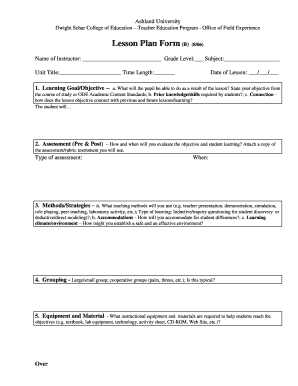
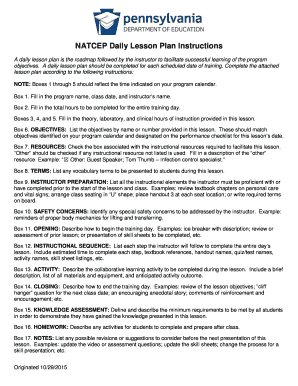
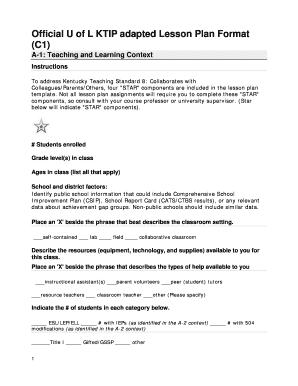
Learning Plan Templates are pre-designed documents that provide a framework for outlining learning objectives, curriculum, and goals. These templates help educators, trainers, or individuals create structured plans to achieve specific learning outcomes.
What are the types of Learning Plan Templates?
There are various types of Learning Plan Templates tailored to different learning needs and objectives. Some common types include:
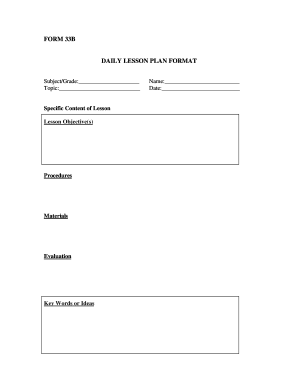
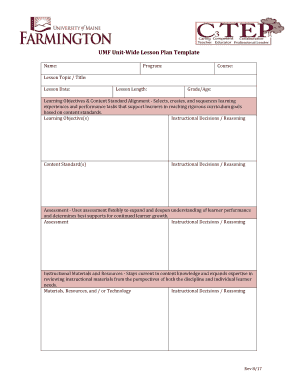
Lesson Plan Templates
Study Plan Templates
Training Plan Templates
Individual Learning Plan Templates
How to complete Learning Plan Templates
Completing Learning Plan Templates is a straightforward process that involves the following steps:
01
Start by defining your learning objectives and goals.
02
Customize the template to fit your specific requirements, such as course name, duration, and resources.
03
Clearly outline the curriculum, lesson plans, and activities to achieve the defined learning goals.
04
Review and revise the completed template to ensure it aligns with your learning needs and objectives.
pdfFiller empowers users to create, edit, and share documents online. Offering unlimited fillable templates and powerful editing tools, pdfFiller is the only PDF editor users need to get their documents done.
Video Tutorial How to Fill Out Learning Plan Templates
Thousands of positive reviews can’t be wrong
Read more or give pdfFiller a try to experience the benefits for yourself
Questions & answers
What makes a good learning plan?
A successful lesson plan addresses and integrates these three key components: Objectives for student learning. Teaching/learning activities. Strategies to check student understanding.
How do I write a learning plan?
Developing a Learning Plan requires that you: Identify a Learning Goal, the Competency (core or general) to be developed or work objective to be achieved. Identify the learning experience needed to develop that ability. and.
What is a learning plan called?
The Individualized Educational Plan (IEP) is a plan or program developed to ensure that a child who has a disability identified under the law and is attending an elementary or secondary educational institution receives specialized instruction and related services.
What should I consider in a learning plan?
Listed below are 6 steps for preparing your lesson plan before your class. Identify the learning objectives. Plan the specific learning activities. Plan to assess student understanding. Plan to sequence the lesson in an engaging and meaningful manner. Create a realistic timeline. Plan for a lesson closure.
What is learning plan and example?
Basically, learning plans guide individuals to reach their goals for a set period of time. Learning plans typically contain activities which promote learning and development to the individuals who need them. For example, students need to have a personal plan in order to effectively manage their learning targets.
What are the 5 key components of a learning plan?
Want to keep learning? Step 1 – Learning Outcomes. Identify learning outcomes (What is to be learned as a result of this lesson): Step 2 – Learning plan. Step 3 – Assessment. Step 4 – Resources required. Step 5 – Evaluation.