Free Monthly Report Word Templates


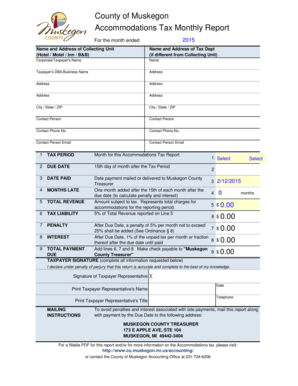
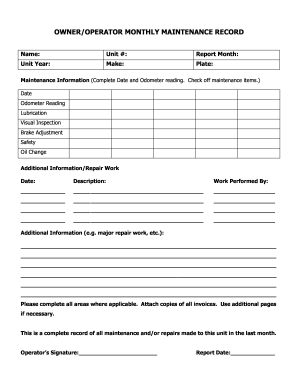
What are Monthly Report Templates?
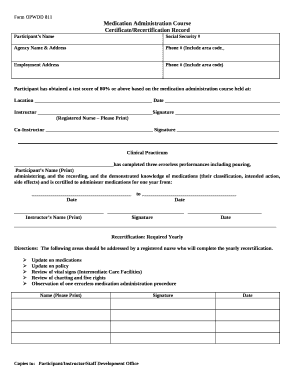
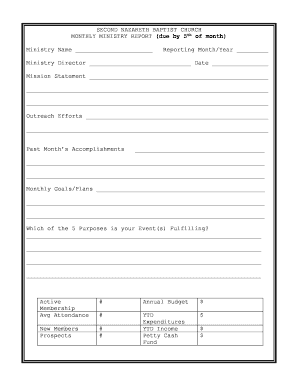
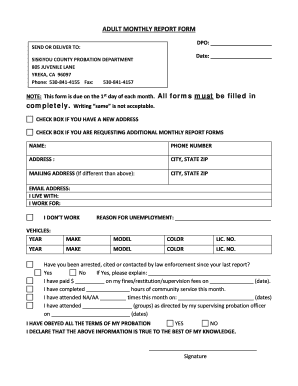
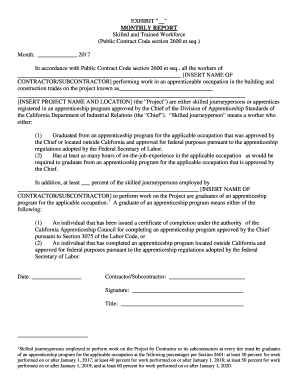
Monthly Report Templates are pre-designed documents that allow users to track and report important information on a monthly basis. These templates help individuals and businesses organize data and present it in a clear and structured manner.
What are the types of Monthly Report Templates?
There are several types of Monthly Report Templates available, including but not limited to:
Financial Monthly Report Template
Sales Monthly Report Template
Project Progress Monthly Report Template
Employee Performance Monthly Report Template
How to complete Monthly Report Templates
Completing Monthly Report Templates is a straightforward process that involves the following steps:
01
Gather all necessary data and information for the month
02
Enter the data into the designated sections of the template
03
Review and verify the accuracy of the information provided
04
Save or print the completed report for sharing or archiving
pdfFiller empowers users to create, edit, and share documents online. Offering unlimited fillable templates and powerful editing tools, pdfFiller is the only PDF editor users need to get their documents done.
Video Tutorial How to Fill Out Monthly Report Templates
Thousands of positive reviews can’t be wrong
Read more or give pdfFiller a try to experience the benefits for yourself
Questions & answers
How do you write a simple report?
How to write a report in 7 steps 1 Choose a topic based on the assignment. 2 Conduct research. 3 Write a thesis statement. 4 Prepare an outline. 5 Write a rough draft. 6 Revise and edit your report. 7 Proofread and check for mistakes.
How do you summarize a monthly report?
Provide Necessary Information That Will Identify Why the Monthly Progress Report Was Made. Write a Brief Summary of What the Project or Performance Goal Is All About. The Most Significant Content Is the Accomplishments of the Team's Project Development. Provide Details on the Tasks Performed by the Team for the Month.
What is a monthly report called?
Profit and Loss Statement (Income Statement) In some cases, this report is referred to as an income statement. These records provide insight as to whether a company can generate profit by increasing revenue, reducing costs, or both.
What should a monthly report include?
Each monthly management report should include: A Branded Cover Page. You'd be amazed by how much more professional a branded cover will make your report look. Mission, Vision, & Values. Table Of Contents. Organizational Scorecard Views. Detailed Pages. Charts. High-Level Project Overviews. An Online Version Of The Report.
What is monthly report sample?
Monthly report samples are common and essential in every workplace. It means every calendar month is monitored to ensure accountability, transparency, and fulfillment of different initiatives and to-dos. An executive report consists of all the conclusions drawn from several monthly reports.
What are the things you need to prepare to come up with a good monthly report?
Here are five tips you should consider when preparing your monthly reports to make them add substantial value to the project. Visual Graphics. Split Long Complicated Sentences into Short Meaningful Statements. Use a Table of Contents WITH Page Numbers. Refer to Attachments in the Body Text. Write a Strong Executive Summary.