Free Sample Report Word Templates
Get eSignatures done in a snap

Prepare, sign, send, and manage documents from a single cloud-based solution.

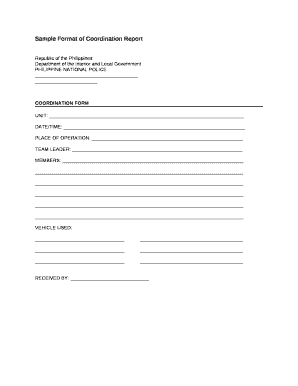
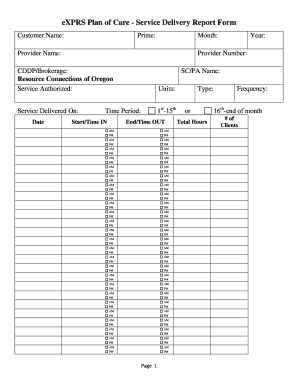
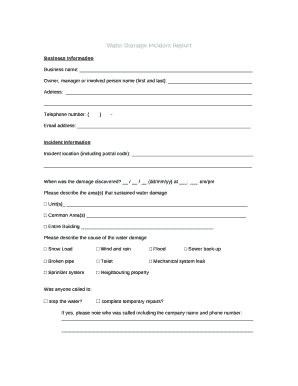
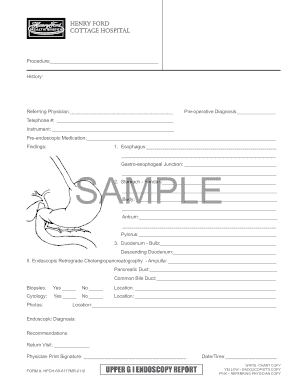
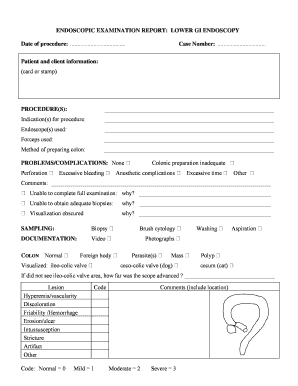
What are Sample Report Templates?

Sample Report Templates are pre-designed documents that serve as a starting point for creating personalized reports. They provide structure and formatting guidelines, making it easier for users to organize their information effectively.

What are the types of Sample Report Templates?

There are various types of Sample Report Templates available to cater to different needs and industries. Some common types include:

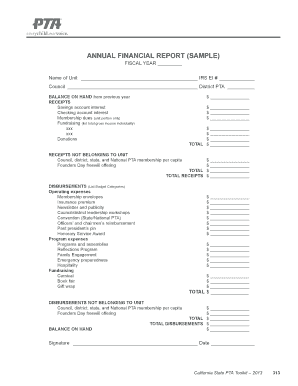
Annual report templates
Financial report templates
Project report templates
Sales report templates

How to complete Sample Report Templates

Completing Sample Report Templates is a straightforward process that can be broken down into the following steps:

01
Fill in the required fields with your specific information
02
Review the content to ensure accuracy and completeness
03
Customize the design and layout to match your branding or preferences

When working on Sample Report Templates, remember that pdfFiller offers an easy and efficient way to create, edit, and share your documents online. With unlimited fillable templates and powerful editing tools, pdfFiller is your go-to PDF editor for all your document needs.

Video Tutorial How to Fill Out Sample Report Templates

Thousands of positive reviews can’t be wrong

Read more or give pdfFiller a try to experience the benefits for yourself
4.0
PdfFiller Review I enjoy using pdfFiller.
PdfFiller Review I enjoy using pdfFiller.As with free products, sometimes the function is limited. However, I think that it is a good investment. You can do much with pdfFiller. Notably the reason I rated pdfFiller 4 stars rather than 5 stars is a small (but important to me) reason:PDF Filler has color options for its highlights and pens for annotation, yet compared to some of the other apps and programs, I was slightly disappointed with the display of some of the color options especially with the highlights.Otherwise, this is a great device. Do expect to pay a small price to get the most benefit from this program.Warmest regards,Chu-Chi
CHU CHI OKA ZEH
4.0
Great to add and cover text but wish.
Great to add and cover text but wish… great to add and cover text but wish you can edit scanned documents
Janet Segoviano
5.0
I have tried 3 other pdf software for.
I have tried 3 other pdf software for… i have tried 3 other pdf software for converting and this is by far the easiest one to use and being able to upload/merge 5 docs at time speeds up the process ....amazing - very impressed
katy grundy

Questions & answers

Key Takeaways The three major credit reporting bureaus in the United States are Equifax, Experian, and TransUnion.
Examples: Progress reports, sales reports, social media reports, Google Analytics reports, email marketing reports.
To write any short report successfully, follow these guidelines: Do necessary research. Anticipate how your audience will use your report. Be objective and ethical. Choose a reader-centered format and design. Write concisely and clearly. Organize carefully.
3 major types of reports Personal Account. Of an event you attended or participated in, such as a training seminar or presentation. Routine Report. It is often presents factual or statistical information, such as progress in specific areas or information regarding accidents or equipment failure. Special report.
How to write a report in 7 steps 1 Choose a topic based on the assignment. Before you start writing, you need to pick the topic of your report. 2 Conduct research. 3 Write a thesis statement. 4 Prepare an outline. 5 Write a rough draft. 6 Revise and edit your report. 7 Proofread and check for mistakes.
What Are The Different Types Of Reports? Informational Reports. The first in our list of reporting types is informational reports. Analytical Reports. Operational Reports. Product Reports. Industry Reports. Department Reports. Progress Reports. Internal Reports.