Free Report Sheet Word Templates







What are Report Sheet Templates?
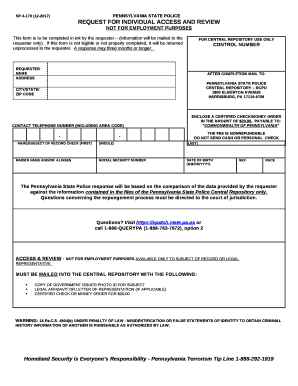
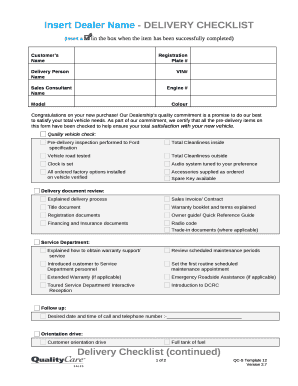
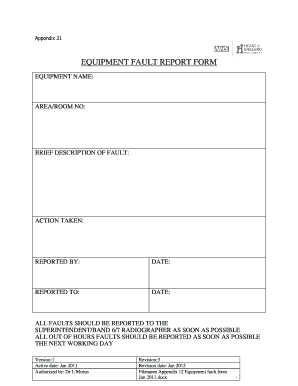
Report sheet templates are pre-designed formats that users can use to organize and present data in a structured manner. These templates save time and effort by providing a framework for creating professional-looking reports.
What are the types of Report Sheet Templates?
There are several types of report sheet templates available, including but not limited to:
Monthly Sales Report Template
Financial Statement Template
Project Status Report Template
Marketing Campaign Analysis Template
How to complete Report Sheet Templates
Completing report sheet templates is a simple process that can be done efficiently by following these steps:
01
Open the desired report sheet template in a PDF editor like pdfFiller.
02
Fill in the relevant information in the designated fields.
03
Review the completed report for accuracy and completeness.
04
Save the document online or print it for physical distribution.
pdfFiller empowers users to create, edit, and share documents online. Offering unlimited fillable templates and powerful editing tools, pdfFiller is the only PDF editor users need to get their documents done.
Thousands of positive reviews can’t be wrong
Read more or give pdfFiller a try to experience the benefits for yourself
Questions & answers
How do I make a nursing report sheet?
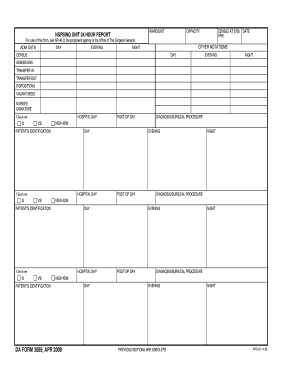
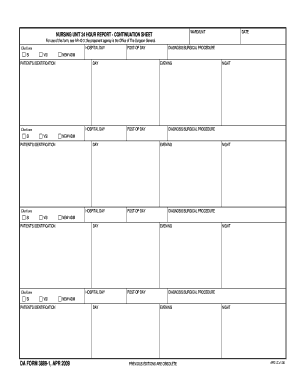
The report sheet should include the patient's name, reason for admission, any co-morbidities and other pertinent information. Pertinent information will depend on what floor you work on, but typically includes the medications for the day, code status, nutrition status, labs and vital sign trends.
What is RN report sheet?
Nursing report sheets (also known as patient report sheets or nursing brain sheets) are templates nurses fill out with important patient information. These sheets are handoffs at the end of each shift and are given to the new nurse taking over for the next shift.
What are the characteristics of a good nursing report?
They contain specific information about patient's healthcare. These characteristics are interwoven and are five in number. They include accuracy, conciseness, thoroughness, currentness and organization.
How do you write a nursing report example?
How to Write a Nursing Report? State your position clearly. Write the reason why you are creating an internal report. Provide an example or at least two to show your position. Support your decision with statistics and facts. As much as possible, keep your report concise.
What is a report sheet?
A report sheet is a document that provides some specific information on a certain topic that is targeted towards a specific audience. The information provided in a report is written in an organized and structured format. Such reports are made with the help of Report Sheet Templates.
What is a brain sheet in nursing?
A "brain sheet" is simply a reference used by nurses so they can keep track of important information about each patient. This sheet is often filled out with key information during change-of-shift report and then updated as things change (and they always do!).