Blank Medical Clearance Form




What is Blank Medical Clearance Form?
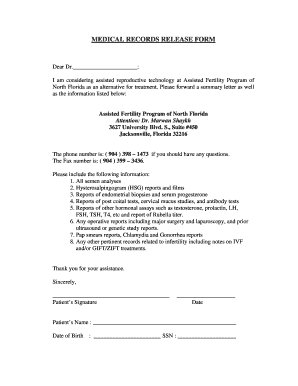
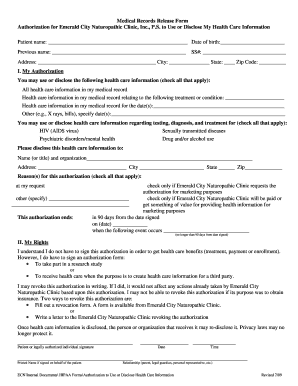
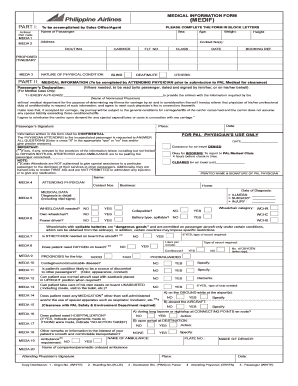
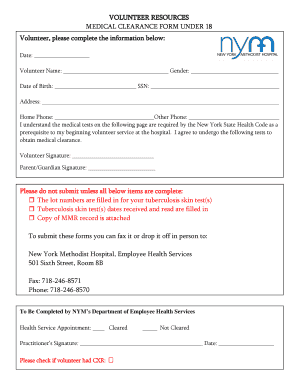
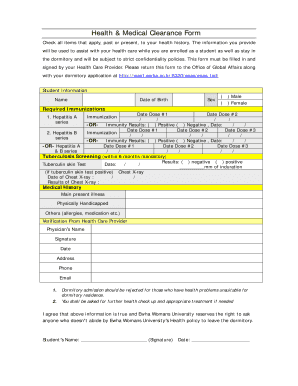
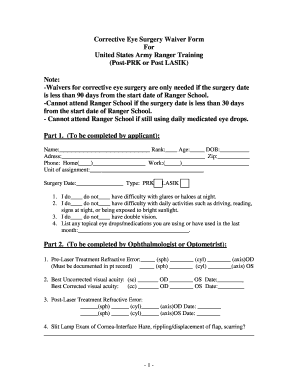
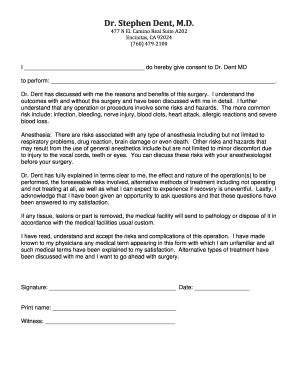
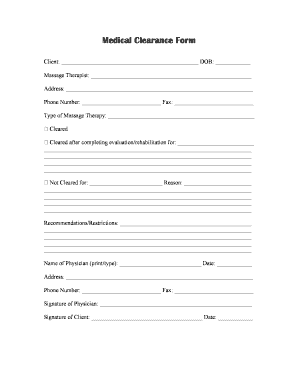
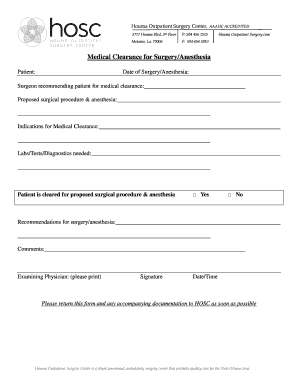
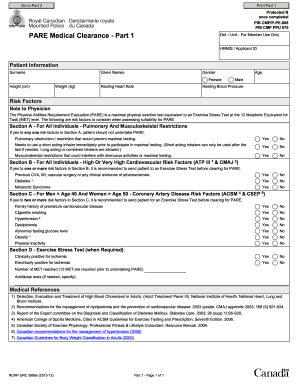
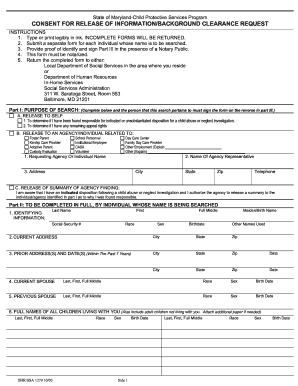
A Blank Medical Clearance Form is a document that is used to provide medical professionals with information about a patient's health history and current medical condition. It is used to ensure that it is safe for the patient to participate in certain activities or procedures.
What are the types of Blank Medical Clearance Form?
There are several types of Blank Medical Clearance Forms, including:
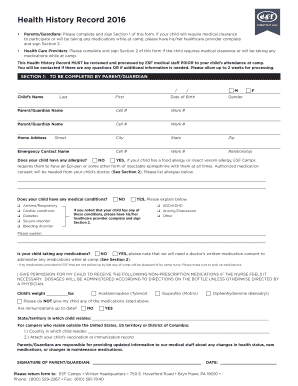
General Medical Clearance Form
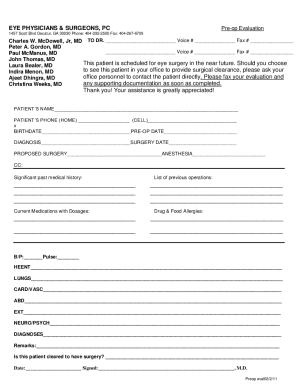
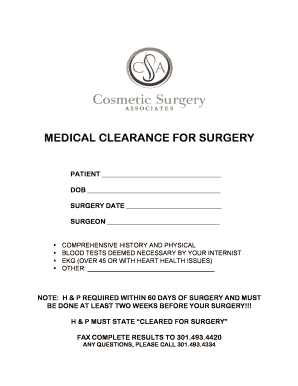
Surgical Clearance Form
Dental Clearance Form
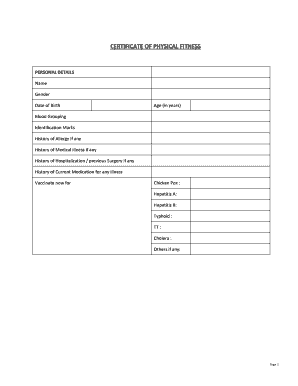
Physical Examination Clearance Form
How to complete Blank Medical Clearance Form
To complete a Blank Medical Clearance Form, follow these steps:
01
Fill in your personal information, including name, date of birth, and contact information.
02
Provide details about your medical history, including any current medical conditions or medications you are taking.
03
Answer any specific questions related to the purpose of the clearance form, such as for surgery or participation in a sports event.
04
Sign and date the form, certifying that all the information provided is accurate and complete.
pdfFiller empowers users to create, edit, and share documents online. Offering unlimited fillable templates and powerful editing tools, pdfFiller is the only PDF editor users need to get their documents done.
Thousands of positive reviews can’t be wrong
Read more or give pdfFiller a try to experience the benefits for yourself