Create Account Form Templates - Page 3
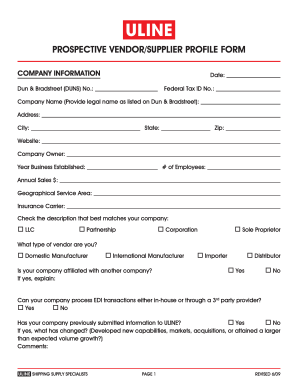



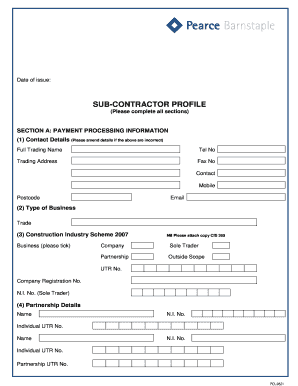

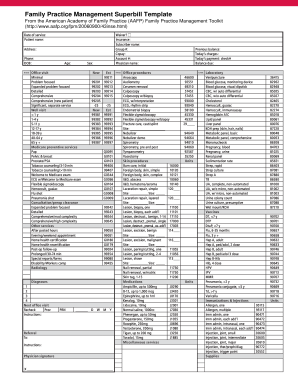






What are Create Account Form Templates?
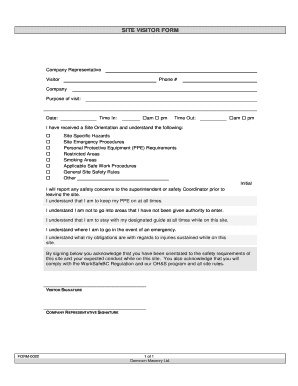
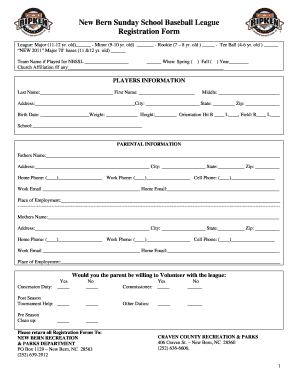
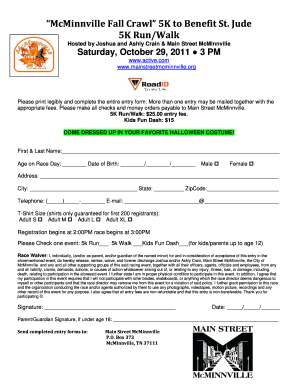
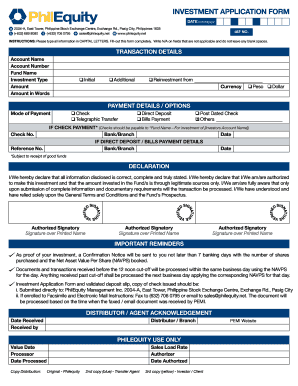
Create Account Form Templates are pre-designed forms that make it easy for users to set up accounts on various platforms and websites. These templates typically include fields for essential information such as name, email, password, etc.
What are the types of Create Account Form Templates?
There are several types of Create Account Form Templates available, including:
Basic Account Form Templates
Social Media Account Form Templates
E-commerce Account Form Templates
How to complete Create Account Form Templates
Completing Create Account Form Templates is a simple process that can be broken down into the following steps:
01
Fill in your personal information in the designated fields
02
Choose a secure password that meets the platform's requirements
03
Review your information for accuracy before submitting the form
pdfFiller empowers users to create, edit, and share documents online. Offering unlimited fillable templates and powerful editing tools, pdfFiller is the only PDF editor users need to get their documents done.
Thousands of positive reviews can’t be wrong
Read more or give pdfFiller a try to experience the benefits for yourself
Questions & answers
Does Google Forms have a template?
To use templates for Google Forms, go to forms.google.com on a computer. To create templates, you need a Google Account through work or school and a computer. You can't create templates when you're signed out, but you can make a copy of a file.
How do I create a custom form template?
How to make a printable form Launch Canva. Login to your Canva account and search for “form templates”. Pick a design or start with a blank template. Choose a pre-made form template design. Customize your form. Download and print. Publish and share your form.
How do I create a digital registration form?
How to create google form for event registration Give a name to the form. Give a name to the form. Add the Fields. Add Name and Phone fields. Settings. Test the form. Customize form style to match your theme. Create a link to the form. Test your form. See Also.
How do I create a registration form in Word?
0:36 10:52 How to Create a Registration Form in Word - YouTube YouTube Start of suggested clip End of suggested clip Address hit enter now enter phone. Number. I press enter twice the next thing i'm going to do is goMoreAddress hit enter now enter phone. Number. I press enter twice the next thing i'm going to do is go ahead and insert a table so i'll go over to insert. And i click on table. And i'll insert a table of