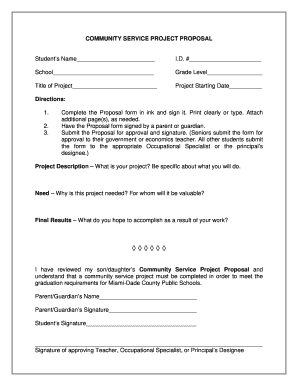
Client Intake Form Templates

Get eSignatures done in a snap

Prepare, sign, send, and manage documents from a single cloud-based solution.

What are Client Intake Form Templates?

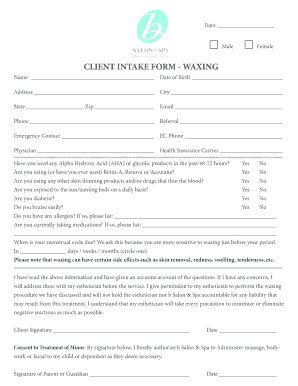
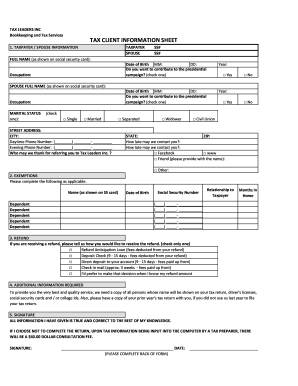
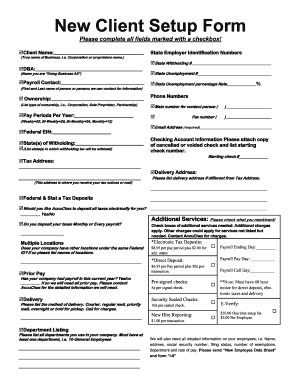
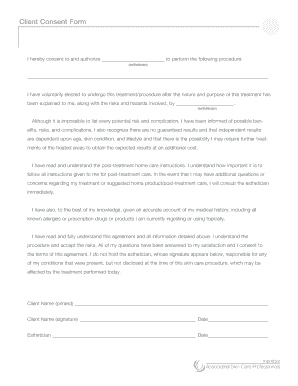
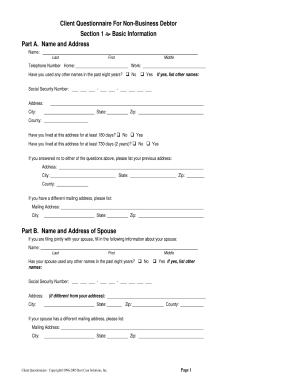
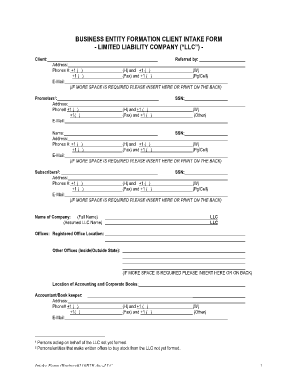
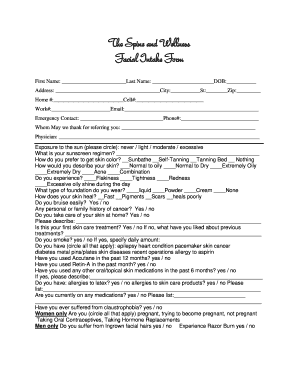
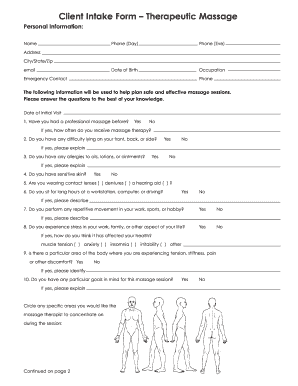
Client Intake Form Templates are pre-designed documents that help streamline the process of gathering important information from clients. These templates typically include fields for personal details, contact information, and specific questions related to the service or product being provided.

What are the types of Client Intake Form Templates?

There are various types of Client Intake Form Templates tailored to different industries and purposes. Some common types include: 1. Legal Client Intake Form Template 2. Medical Client Intake Form Template 3. Consulting Client Intake Form Template 4. Event Planning Client Intake Form Template
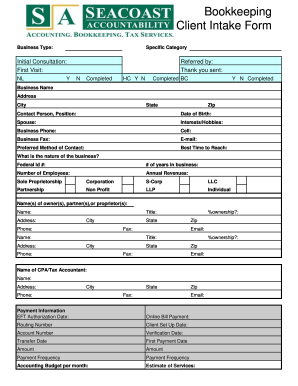
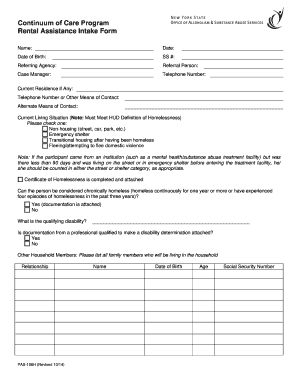
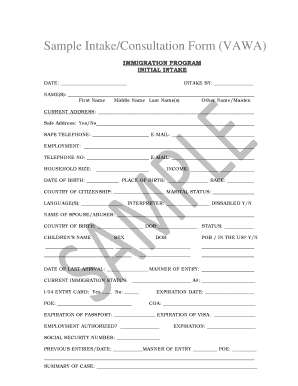
Legal Client Intake Form Template
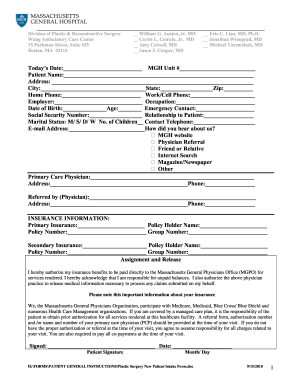
Medical Client Intake Form Template
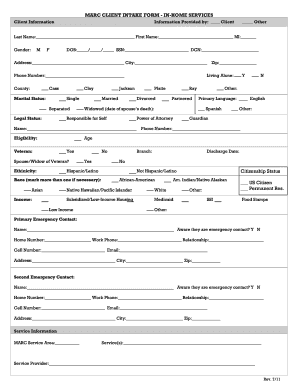
Consulting Client Intake Form Template
Event Planning Client Intake Form Template

How to complete Client Intake Form Templates
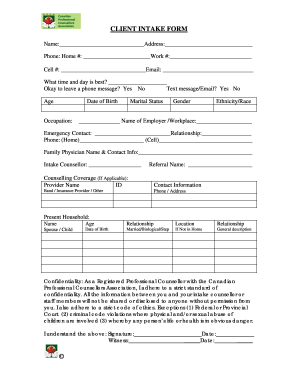
Completing Client Intake Form Templates is a straightforward process that can be done efficiently by following these steps:

01
Review the form thoroughly to understand the information required
02
Fill in all the necessary fields accurately and completely
03
Double-check the information for any errors or missing details
04
Submit the completed form either electronically or in person as instructed

pdfFiller empowers users to create, edit, and share documents online. Offering unlimited fillable templates and powerful editing tools, pdfFiller is the only PDF editor users need to get their documents done.

Video Tutorial How to Fill Out Client Intake Form Templates
Thousands of positive reviews can’t be wrong

Read more or give pdfFiller a try to experience the benefits for yourself
5.0
This app is amazing and helps me complete edits on PDF documents with ease.
This app is amazing and helps me complete edits on PDF documents with ease. Thank you PDFFiller for this amazing product
Brian V.
5.0
Simplified documents and signatures for RFP responses.
What do you like best? Simplified documents and signatures for RFP responses. What do you dislike? If I could change one thing I wish I could save directly to my desktop. What problems are you solving with the product? What benefits have you realized? No longer needing to waste time waiting on signatures!!
Jason LeBlanc
5.0
I have been using this app since 2016, best app ever , saved me time, money, pri...
What do you like best? I have been using this app since 2016, best app ever , saved me time, money, printouts and all in one group of options which made my life easier. What do you dislike? Never had any issues as far as I remeber. Recommendations to others considering the product: Keep the good work going guys. What problems are you solving with the product? What benefits have you realized? Converting from and to pdf, faxing and email options along with notarize service
Administrator in Translation and Localization
4.0
It has a lot of features but not overly complicated.
What do you like best? It has a lot of features but not overly complicated. There is a lot of function, and it runs smoothly. What do you dislike? Occasionally navigation of the sight has been sticky. What problems are you solving with the product? What benefits have you realized? I am always needing to combine multiple PDF files into one, and then do some filling and signing. PDF Filler has sped that process up.
Donovan Pundt

Questions & answers

Tips on creating online intake forms. Make your template form short and to the point. People are more likely to leave blank spaces or put off filling out the form if it's too long and complex. Seek relevant information. Don't overcomplicate things. Re-read and review.
A project intake form is a document that a client or member of a different department within a company fills out to inform the marketing team of their project needs. The request form includes questions like what the project objective is, who the stakeholders are, the budget, and the date the project is required.
An intake form is a document used to gather important information from clients, customers, or patients when they first interact with a service or organization. It typically includes basic details like contact information, purpose of seeking services, and other relevant data.
A client intake form is a document used by businesses or service providers to gather important information from clients who are interested in using their services or products. The form typically includes questions about the client's personal information, background, needs, and goals for using the service or product.
You can find it under File > Options > Customize Ribbon. Check the Developer box in the right-hand column. Select Design Mode from the Developer toolbar and add content controls to add questions to your form. Content controls are elements like text boxes and checkboxes that clients can use to provide information.
Intake forms ensure client safety by providing clinician's with information pertinent to a client prior to treatment. These forms allow clinicians to obtain accurate and up-to-date information about a client since the client has to fill in their own information before treatment can begin.