Shopping Form Templates - Page 2
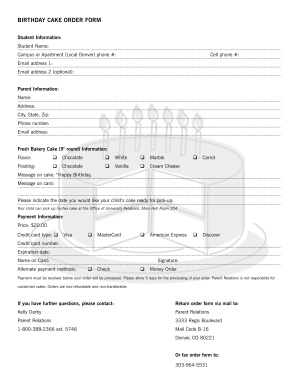
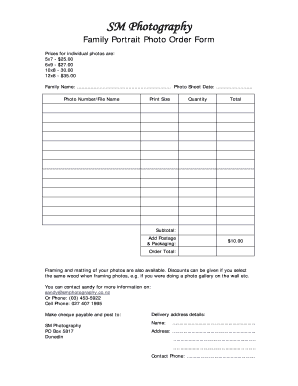

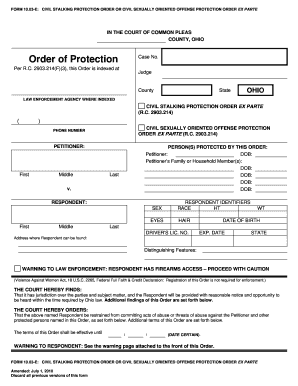
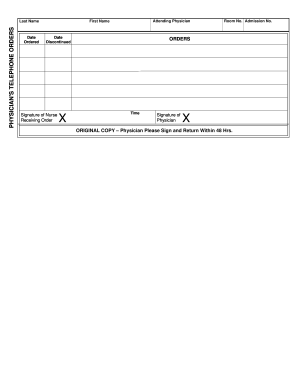
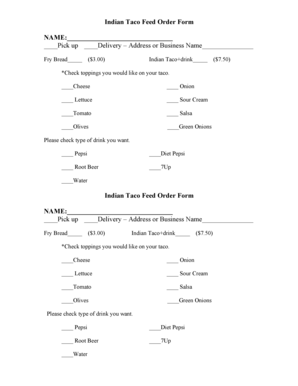
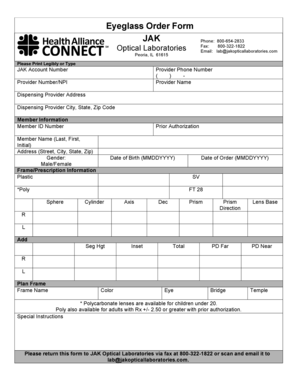
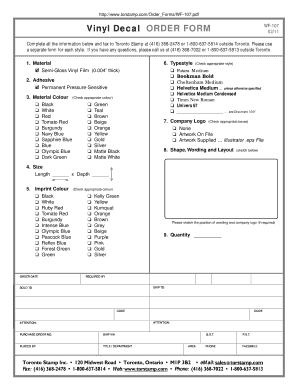
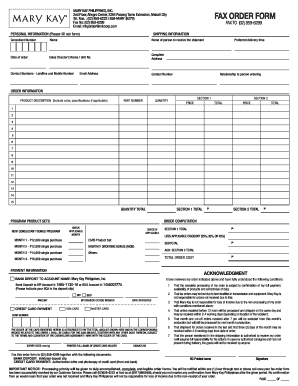
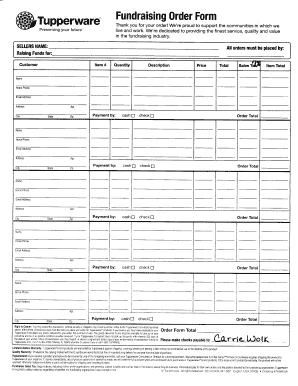
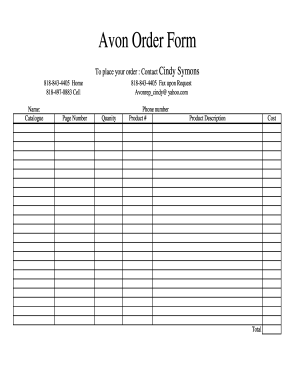
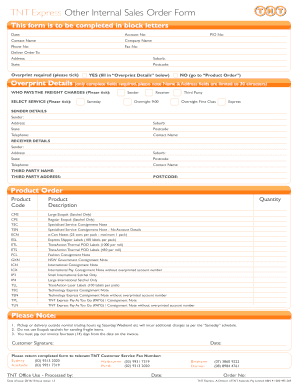
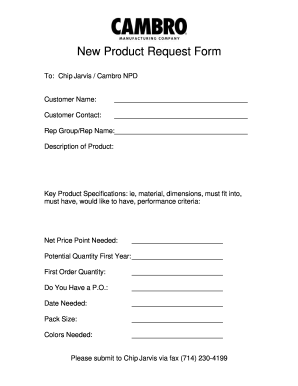
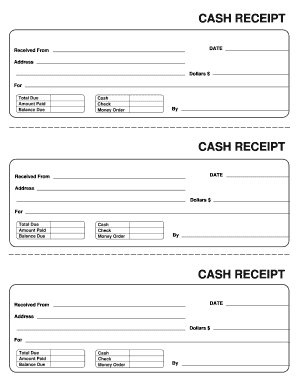
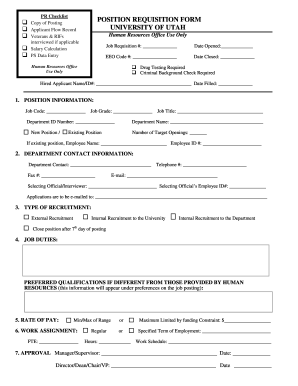
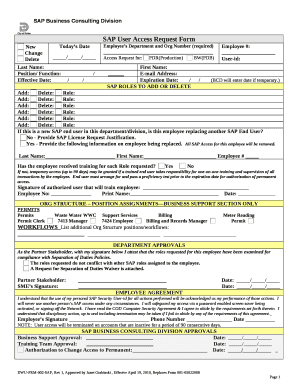
What are Shopping Form Templates?
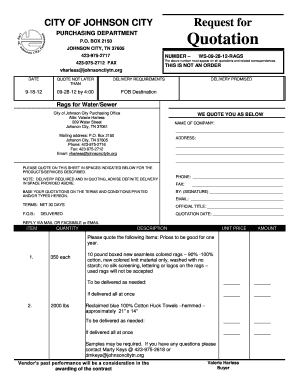
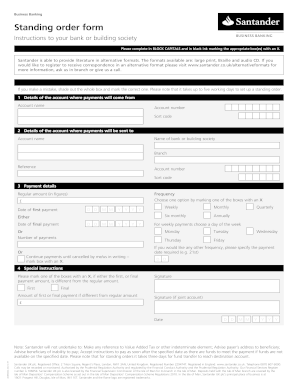
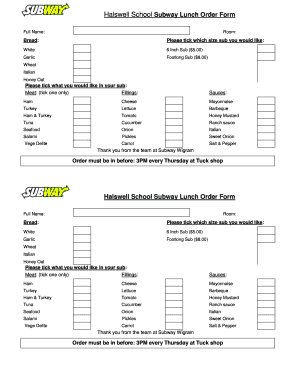
Shopping form templates are pre-designed electronic documents that help streamline the process of collecting and organizing information for shopping-related purposes. These templates act as a guide for users to input specific details regarding their shopping needs.
What are the types of Shopping Form Templates?
There are several types of shopping form templates that cater to different shopping scenarios. Some common types include:
Grocery shopping list template
Clothing size chart template
Holiday gift shopping planner template
Expense tracking template for shopping budget
How to complete Shopping Form Templates
Completing shopping form templates is easy and efficient when following these steps:
01
Download or access the desired shopping form template on a platform like pdfFiller.
02
Fill in the required information accurately and thoroughly.
03
Review the completed form for any errors or missing details.
04
Save or share the document as needed.
05
For further edits or modifications, use the powerful editing tools provided by pdfFiller.
pdfFiller empowers users to create, edit, and share documents online. Offering unlimited fillable templates and powerful editing tools, pdfFiller is the only PDF editor users need to get their documents done.
Video Tutorial How to Fill Out Shopping Form Templates
Thousands of positive reviews can’t be wrong
Read more or give pdfFiller a try to experience the benefits for yourself
Questions & answers
How do I create an order form in Word?
0:00 16:57 Create an Order Form in MS Word | EASY AND SIMPLE - YouTube YouTube Start of suggested clip End of suggested clip Table. And the number of columns i want is 4 and the number of rows is 22 oops and then click ok. AsMoreTable. And the number of columns i want is 4 and the number of rows is 22 oops and then click ok. As you can see at the moment my rows are very very narrow.
How do I make a wholesale order form?
What should I include in my wholesale order form? For quick, friendly wholesale order forms, you'll need to include quantity, price per unit, and a total amount. But that's not all. Include fields for shipping and contact details to get everything you need from one form.
How do I create a fillable form in Google Docs?
How to create a fillable form in Google Docs Sign in. Click "New." Click on the "New" button in the upper left corner of your screen. Navigate to the drop-down menu. Click "Untitled form." Once a form template opens in a separate tab, click into the text box labeled "Untitled form" and give your form a name.
How do I make a fillable order form?
Steps to Create an Order Form Decide what to sell. Choose a form builder tool. Customize the template with proper fields. Add photos of the products. Customize the order form with branding. Set up a payment method. Set up a success message. Share the order form.
How do I create an order form in Google Docs?
0:25 3:48 How to Create a (Custom & Printable) ORDER FORM in Google Docs YouTube Start of suggested clip End of suggested clip And then add in the name of the form you're doing. You can adjust the fonts sizes alignments andMoreAnd then add in the name of the form you're doing. You can adjust the fonts sizes alignments and colors. And then double-click the rest of the document if you're done.
How do I create my own order form?
Steps to Create an Order Form Decide what to sell. Choose a form builder tool. Customize the template with proper fields. Add photos of the products. Customize the order form with branding. Set up a payment method. Set up a success message. Share the order form.