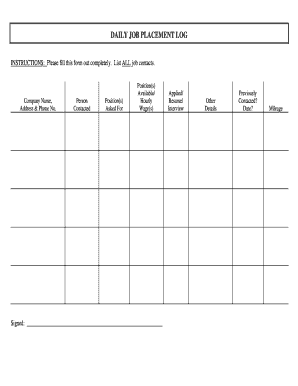
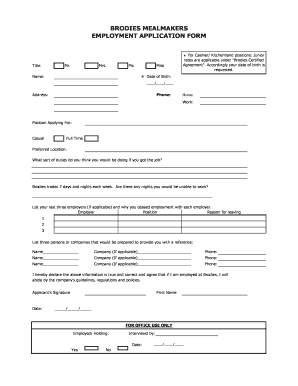
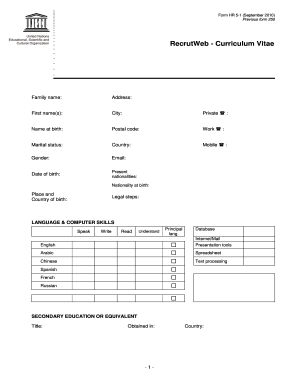
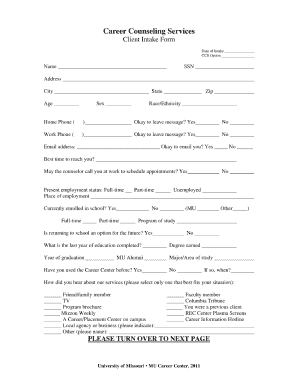
Placement Registration Form Templates

Get eSignatures done in a snap

Prepare, sign, send, and manage documents from a single cloud-based solution.

What are Placement Registration Form Templates?

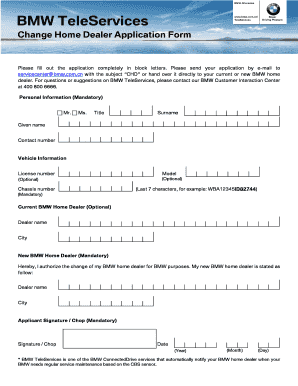
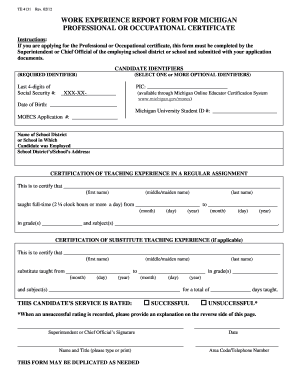
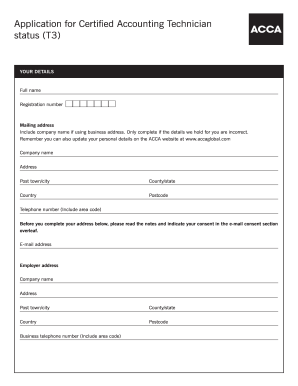
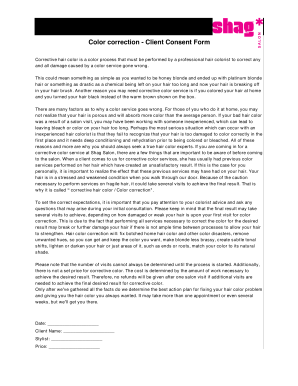
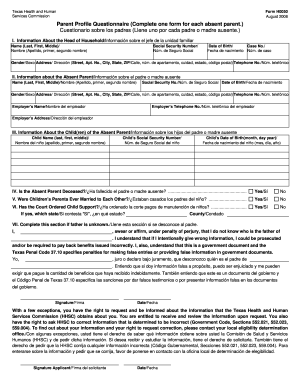
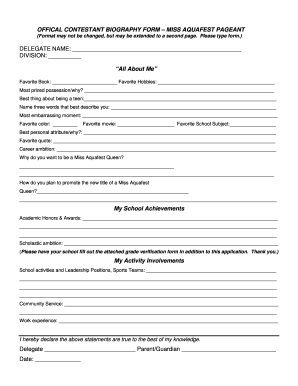
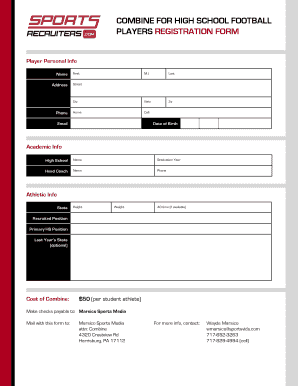
Placement Registration Form Templates are pre-designed documents that businesses or organizations use to collect information from individuals interested in participating in job placements, internships, or other programs. These templates streamline the registration process by providing a structured format for capturing essential details.
What are the types of Placement Registration Form Templates?

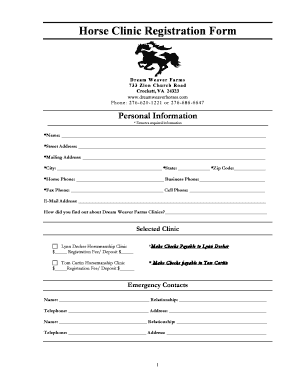
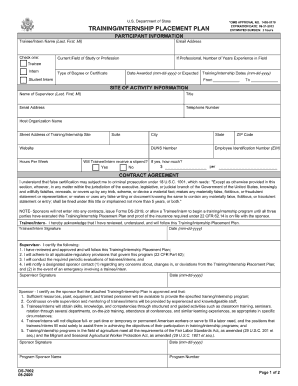
There are several types of Placement Registration Form Templates available, each tailored to different purposes and industries. Some common types include: Job Placement Registration Forms, Internship Registration Forms, Volunteer Placement Registration Forms, and Program Participation Registration Forms.
Job Placement Registration Forms
Internship Registration Forms
Volunteer Placement Registration Forms
Program Participation Registration Forms

How to complete Placement Registration Form Templates
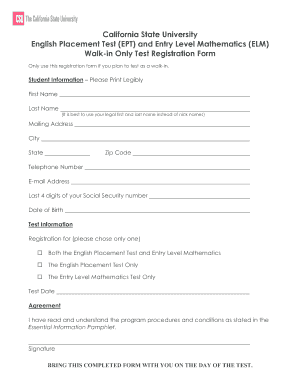
Completing Placement Registration Form Templates is a simple process that involves filling in the required fields with accurate information. Here are some steps to help you complete these templates effectively:
01
Carefully review the instructions provided on the form
02
Fill in your personal details such as name, contact information, and relevant experience
03
Double-check your entries for accuracy before submitting the form

pdfFiller empowers users to create, edit, and share documents online. Offering unlimited fillable templates and powerful editing tools, pdfFiller is the only PDF editor users need to get their documents done.

Video Tutorial How to Fill Out Placement Registration Form Templates
Thousands of positive reviews can’t be wrong

Read more or give pdfFiller a try to experience the benefits for yourself
5.0
Hi i loved this experience hi i loved this experience.
Hi i loved this experience hi i loved this experience. i was doing a school assignment. I wish that this was free.
deborah hodge
5.0
I have used pdfFiller multiple times.
I have used pdfFiller multiple times… I have used pdfFiller multiple times and love their product. I primarily use it when applying for jobs and need a pdf converter to fill out applications. I like that I can just subscribe for the time I need the program and then cancel it. I also like that all my documents are saved to my account even after I cancel the service. I can just resubscribe and pick up where I left off. Customer support is EXCELLENT. Highly recommend pdfFiller.
Kelly Stephens
5.0
Its an easy app to use and very helpful.
Its an easy app to use and very helpful… its an easy app to use and very helpful to fill out paper work
Rosaura Albor-Aguilar
5.0
Very helpful to the elderly or persons.
Very helpful to the elderly or persons… Very helpful to the elderly or persons with nervous/shaky handwriting.
JC

Questions & answers

AidaForm is a flexible online service that lets you easily create a free online registration form – no HTML coding required: just drag and drop the fields you need, choose the visual style that matches the design of your website, and publish your form to get more people on your guest list.
Typical fields you may wish to include in your registration form are: Name. Contact information, including phone number, mailing address, and email address. Social media accounts.
Look for the developer controls in your top ribbon. Click it to bring up the developer controls. Place your cursor on the page where you want to create the fillable form and click the icon for the type of form you want. You can choose from rich text, plain text, a check box, a drop-down list, and several other options.
How to use Google Forms Step 1: Set up a new form or quiz. Go to forms.google.com. Step 2: Edit and format a form or quiz. You can add, edit, or format text, images, or videos in a form. Step 3: Send your form for people to fill out. When you are ready, you can send your form to others and collect their responses.
Start with a form template Go to File > New from Template. In Search, type form. Double-click the template you want to use. Select File > Save As, and pick a location to save the form. In Save As, type a file name and then select Save.
Create a Form Place the text cursor where you want to insert the form field. Click the Developer tab on the ribbon. Click the Design Mode button in the controls group. Click a Content Control buttons to insert the selected type of control. When you're done, click the Design Mode button again to exit Design Mode.