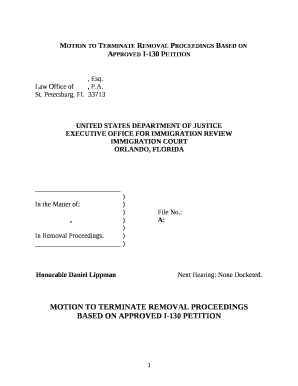
Free Estimates Word Templates
Get eSignatures done in a snap

Prepare, sign, send, and manage documents from a single cloud-based solution.

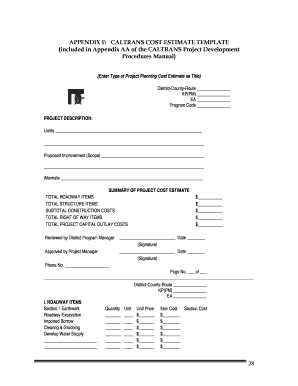
What are Estimates Templates?

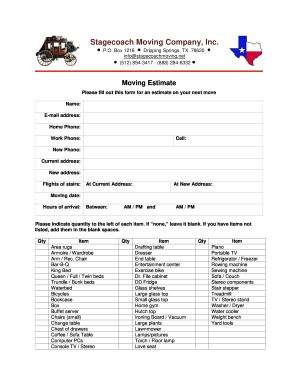
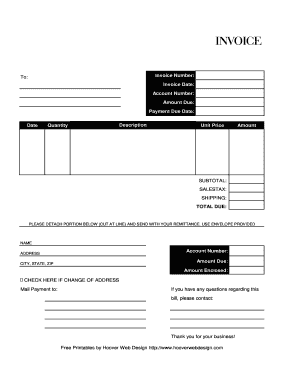
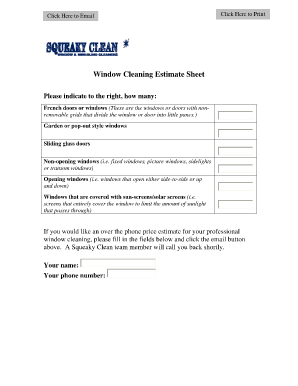
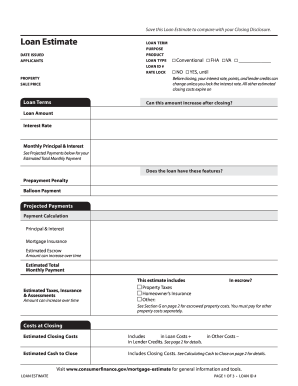
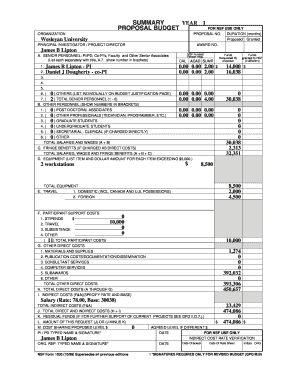
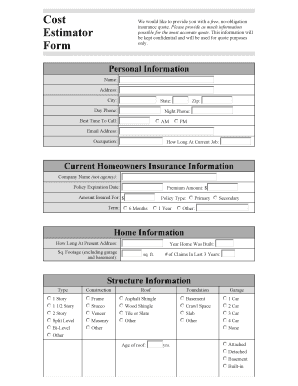
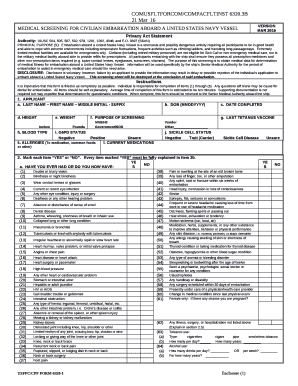
Estimates Templates are pre-designed forms that businesses use to provide clients with an estimated cost of goods or services. These templates help streamline the process of creating and sending estimates to clients, saving time and ensuring accuracy in pricing.

What are the types of Estimates Templates?

There are several types of Estimates Templates that cater to different industries and businesses. Some common types include:

Basic Estimate Template
Contractor Estimate Template
Service Estimate Template
Project Estimate Template

How to complete Estimates Templates

Completing Estimates Templates is a simple process that involves filling in the required information relevant to the estimate. Follow these steps to complete an Estimates Template:

01
Input your company's information such as name, address, and contact details.
02
Include details about the client receiving the estimate.
03
Specify the goods or services being estimated and their respective costs.
04
Add any additional notes or terms and conditions relevant to the estimate.

pdfFiller empowers users to create, edit, and share documents online. Offering unlimited fillable templates and powerful editing tools, pdfFiller is the only PDF editor users need to get their documents done.

Thousands of positive reviews can’t be wrong

Read more or give pdfFiller a try to experience the benefits for yourself
5.0
User friendly.
User friendly. Can't beat it when you have to handle multi documents for inputting information and forwarding under time crunch situations.
Michael L.
4.0
It's useful, but the printing function always not smooth (need retry and print i...
It's useful, but the printing function always not smooth (need retry and print it out, with PDFfiller marks sometimes)
Kong S.
5.0
I love the ease of completing the forms.
I love the ease of completing the forms. I have completed over 30 documents and each one was easy to find in the library once I put the document number in. I love the fact that you can choose which pages you would like to print. Another great feature is it saves each document automatically and you can save the completed document to another device.
Dana