Medical History Form

Get eSignatures done in a snap

Prepare, sign, send, and manage documents from a single cloud-based solution.

What is Medical History Form?

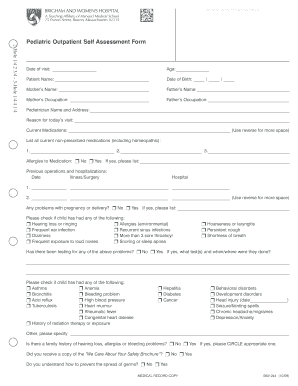
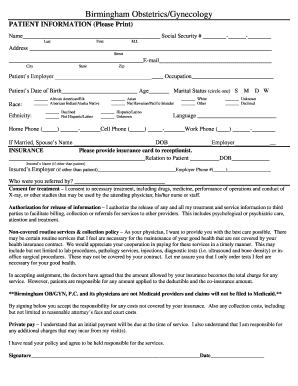
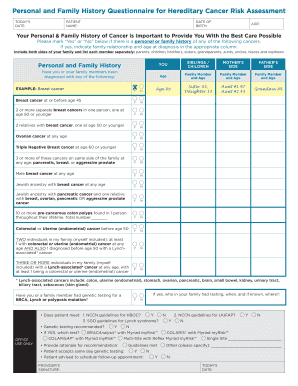
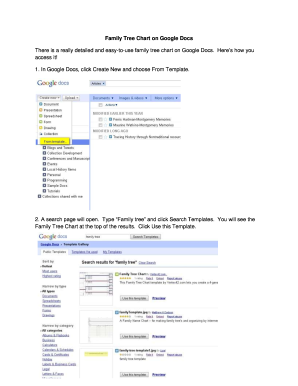
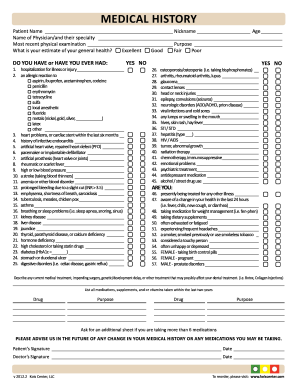
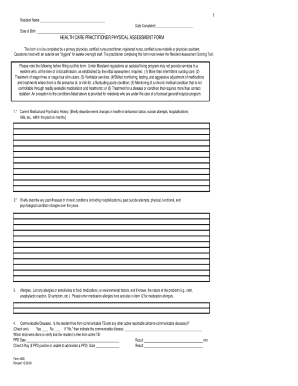
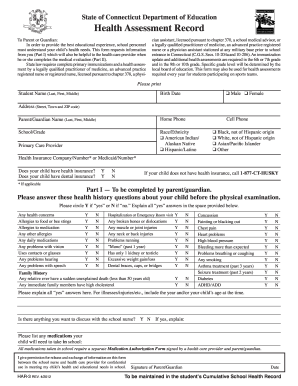
A Medical History Form is a document that collects important information about an individual's past and current health conditions, medications, allergies, surgeries, and family medical history. This information is crucial for healthcare providers to provide appropriate care and make informed decisions.
What are the types of Medical History Form?

There are several types of Medical History Forms tailored for different healthcare settings and purposes. Some common types include:

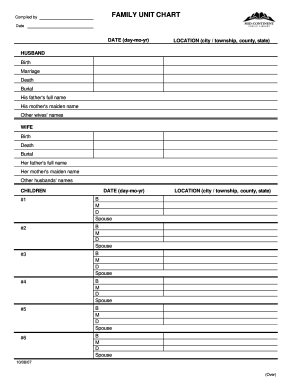
Basic Medical History Form
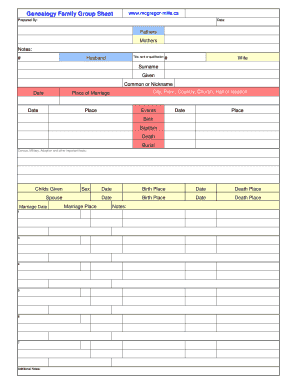
Pediatric Medical History Form
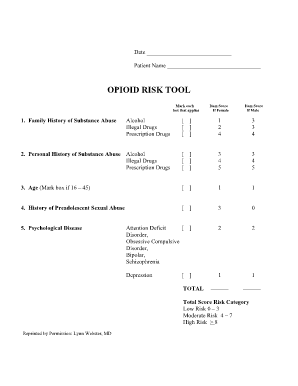
Pre-surgery Medical History Form
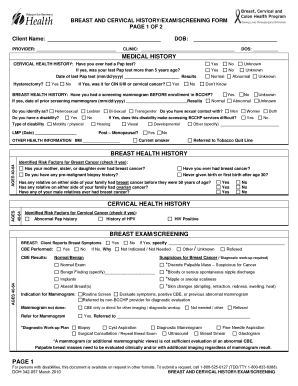
Emergency Medical History Form
How to complete Medical History Form
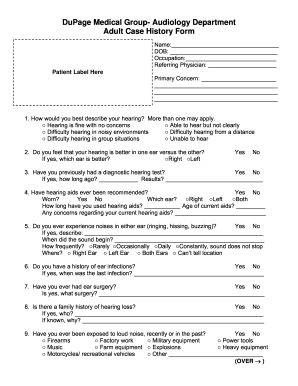
Completing a Medical History Form accurately is essential to ensure that healthcare providers have all the necessary information to deliver proper care. Follow these steps to complete a Medical History Form:
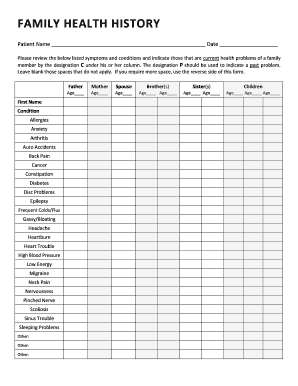
01
Start by providing your personal information such as name, date of birth, and contact details.
02
Detail your current health conditions, medications you are taking, allergies, past surgeries, and family medical history.
03
Include any relevant medical insurance information and emergency contacts.
04
Review the completed form for accuracy and make sure all sections are filled out correctly.

pdfFiller empowers users to create, edit, and share documents online. Offering unlimited fillable templates and powerful editing tools, pdfFiller is the only PDF editor users need to get their documents done.

Thousands of positive reviews can’t be wrong

Read more or give pdfFiller a try to experience the benefits for yourself
5.0
Amazed how helpful and trustworthy this app is!
Amazed how helpful and trustworthy this app is! Very quick support and to I am very grateful any issues I had where resolved quickly. easy to use app.
Hannah R
5.0
Easy to use Easy to use, has lots of cool features and tools.
Easy to use Easy to use, has lots of cool features and tools. Gives you complete control and edit capability of docs. Love that you can access it anywhere via web browser and doesn't require software install.
Lynn
4.0
I had an issue w two text boxes auto.
I had an issue w two text boxes auto… I had an issue w two text boxes auto filling - but was able to correct it on my own by deleting one and adding a new box.
Michelle Templeton