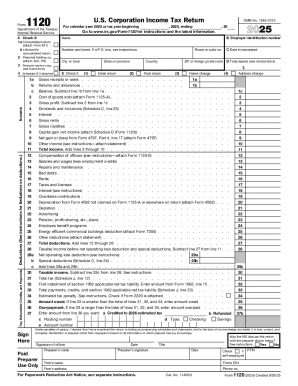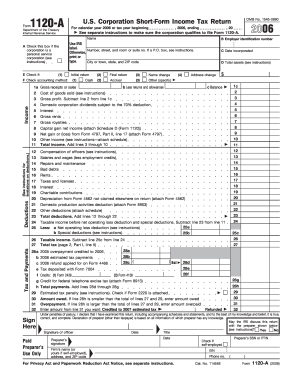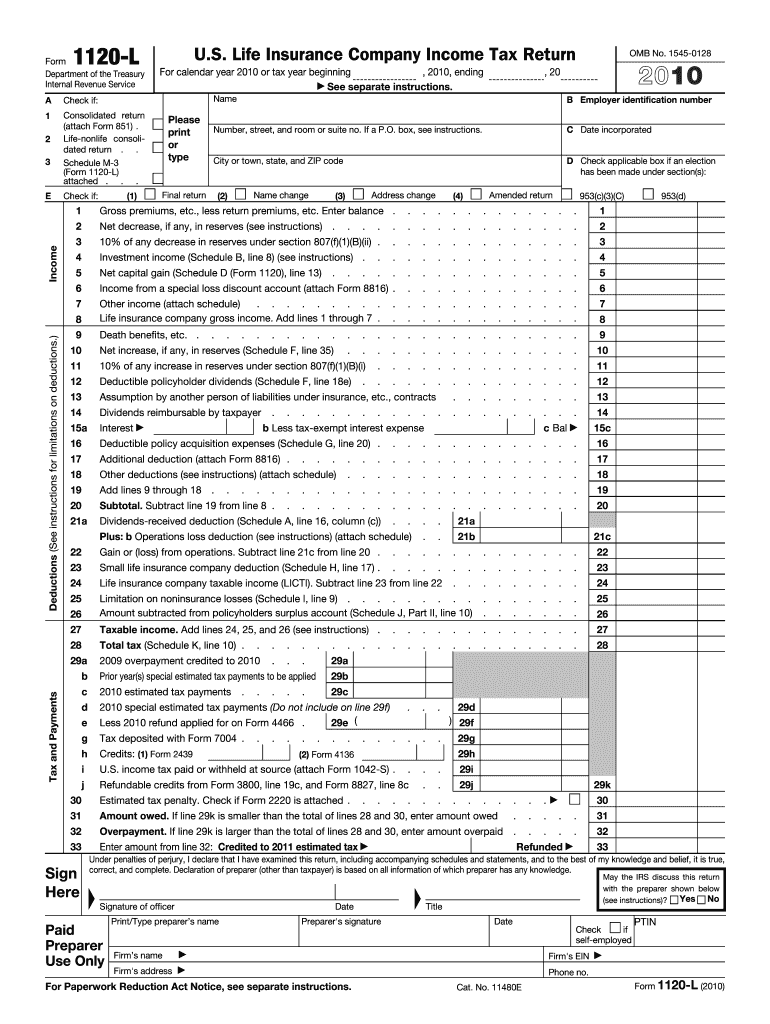
IRS 1120-L 2010 free printable template



Get, Create, Make, and Sign IRS 1120-L



Instructions and Help about IRS 1120-L
How to edit IRS 1120-L
How to fill out IRS 1120-L
About IRS 1120-L 2010 previous version
What is IRS 1120-L?
Who needs the form?
Components of the form
What information do you need when you file the form?
Where do I send the form?
What is the purpose of this form?
When am I exempt from filling out this form?
What are the penalties for not issuing the form?
Is the form accompanied by other forms?
FAQ about IRS 1120-L
What should I do if I need to correct a mistake on my 2010 form 1120-l us after submission?
If you need to correct a mistake on your 2010 form 1120-l us, you will need to submit an amended return. Ensure that you indicate on the new form that it is an amendment and provide the correct figures. It's advisable to maintain copies of both the original and the amended forms for your records, as well as any correspondence with the IRS.
How can I verify that my 2010 form 1120-l us was received and is being processed?
You can verify the receipt and processing status of your 2010 form 1120-l us by checking online through the IRS website or calling their service line. Be prepared to provide details like your business name, EIN, and the type of return filed to assist with tracking. Additionally, keep an eye out for any follow-up correspondence from the IRS.
What common errors should I watch out for when submitting my 2010 form 1120-l us?
Common errors to avoid when submitting your 2010 form 1120-l us include incorrect EIN entry, mismatched figures on the return compared to your financial statements, and failing to sign the form. Double-checking your calculations and ensuring all required fields are filled out can help minimize mistakes that may delay processing.
What are the record retention requirements for the 2010 form 1120-l us?
For the 2010 form 1120-l us, it's essential to retain your records for at least three years from the date you filed the return or two years from when you paid the tax. However, if your tax return is part of an audit or if you underreport income, the record retention period may extend. Always consult with a tax professional for personalized advice.








How to Fill Out Small Business Tax Forms Online with pdfFiller
Struggling with your Schedule C or not sure how to file business taxes as a sole proprietor, LLC, or self-employed professional? This step-by-step pdfFiller tutorial walks you through completing IRS Schedule C quickly and accurately — no printing, no scanning, no stress. Whether you're handling small business tax deductions, tracking self-employed taxes, or preparing your full business tax return, pdfFiller makes it simple right in your browser.