Marriage Certificate Format In Word
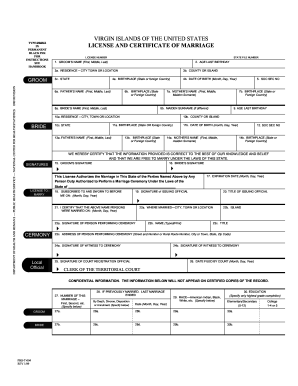
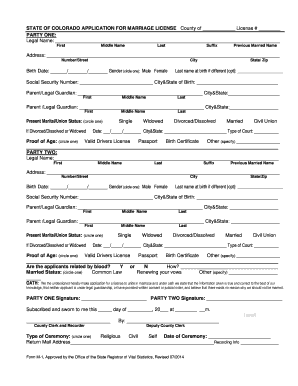
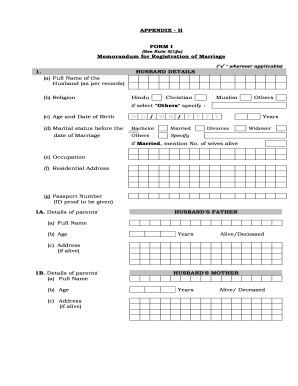
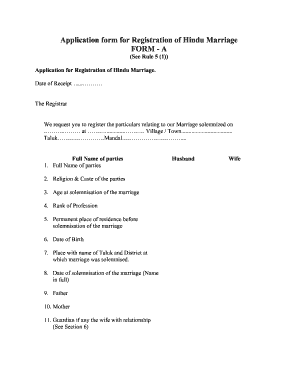
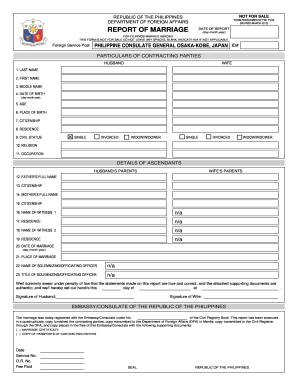
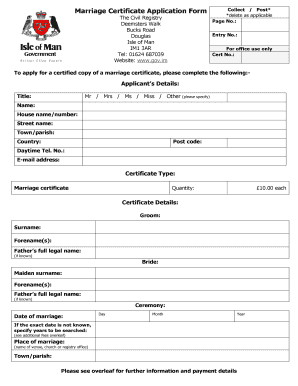
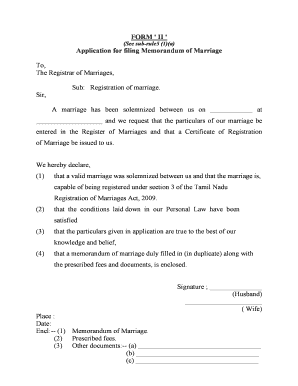

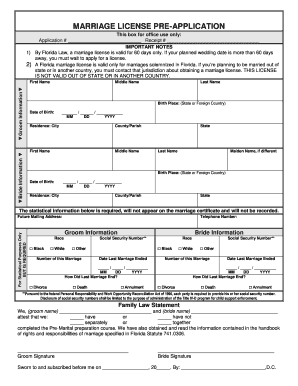
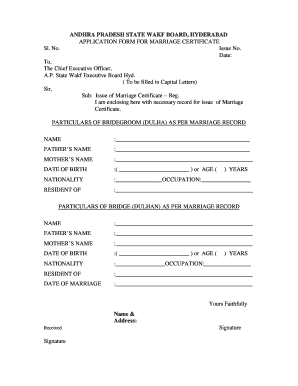
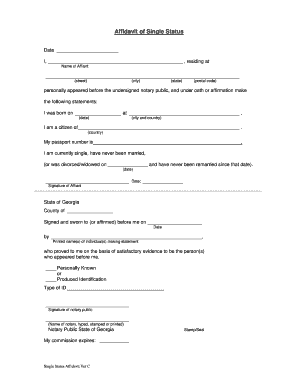
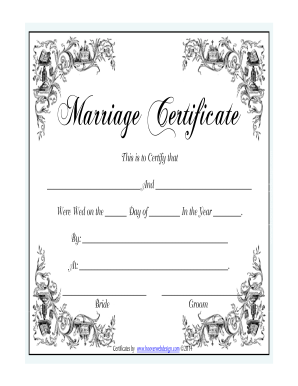


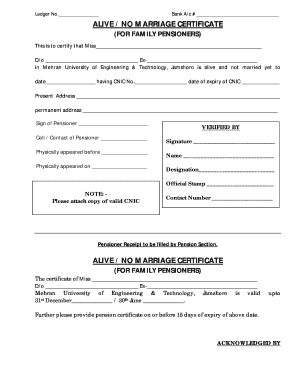
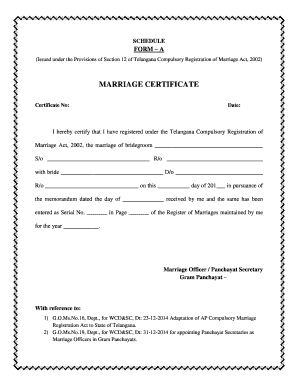
What is Marriage certificate format in word?
A marriage certificate format in Word is a template used to create official marriage documents in a digital format. It allows users to easily input their information and customize the layout to match their preferences.
What are the types of Marriage certificate format in word?
There are several types of marriage certificate formats in Word, including:
Basic marriage certificate template
Decorative marriage certificate design
Vintage-inspired marriage certificate layout
Modern minimalist marriage certificate format
How to complete Marriage certificate format in word
To complete a marriage certificate format in Word, follow these simple steps:
01
Open the template in Word
02
Fill in your personal details such as names, dates, and signatures
03
Customize the design and layout to your liking
04
Save the document in PDF format for sharing and printing
pdfFiller empowers users to create, edit, and share documents online. Offering unlimited fillable templates and powerful editing tools, pdfFiller is the only PDF editor users need to get their documents done.
Video Tutorial How to Fill Out Marriage certificate format in word
Thousands of positive reviews can’t be wrong
Read more or give pdfFiller a try to experience the benefits for yourself
Questions & answers
How do I save a certificate template in Word?
To save the template, click on the 'File' tab and choose the 'Save As' button. Choose the location or folder you want to save the certificate template, create a name for the file and click 'Save'. Click on the 'Print' menu and select the 'Print Preview' button to examine the certificate and print copies when ready.
Does Google Docs have a certificate template?
Customization of Simple Service Certificates is available in Google Docs and any other text editor. You can use a digital form or print a ready-made template.
What size is a US marriage certificate?
Under law, a completed photocopy of the Marriage License certified by the City Clerk is also a legal Certificate of Marriage Registration. Those microfilm records are photocopied on an 8½ inch by 14 inch light blue colored safety paper.
How do I edit a certificate template in Word?
Edit templates Click File > Open. Double-click This PC. (In Word 2013, double-click Computer). Browse to the Custom Office Templates folder that's under My Documents. Click your template, and click Open. Make the changes you want, then save and close the template.
Does Microsoft Word have certificate templates?
Microsoft Word offers beautiful certificate templates you can load and use in a matter of seconds. Simply open up a new document and search “certificate” in the search bar. You can then customize them with your organization's and your members' details.
Where is certificate template?
The Certification Authority Microsoft Management Console (MMC) opens. In the MMC, double-click the CA name, right-click Certificate Templates, and then click Manage. The Certificate Templates console opens. All of the certificate templates are displayed in the details pane.